Build Server Localization That Fits CI/CD
May 29, 2026
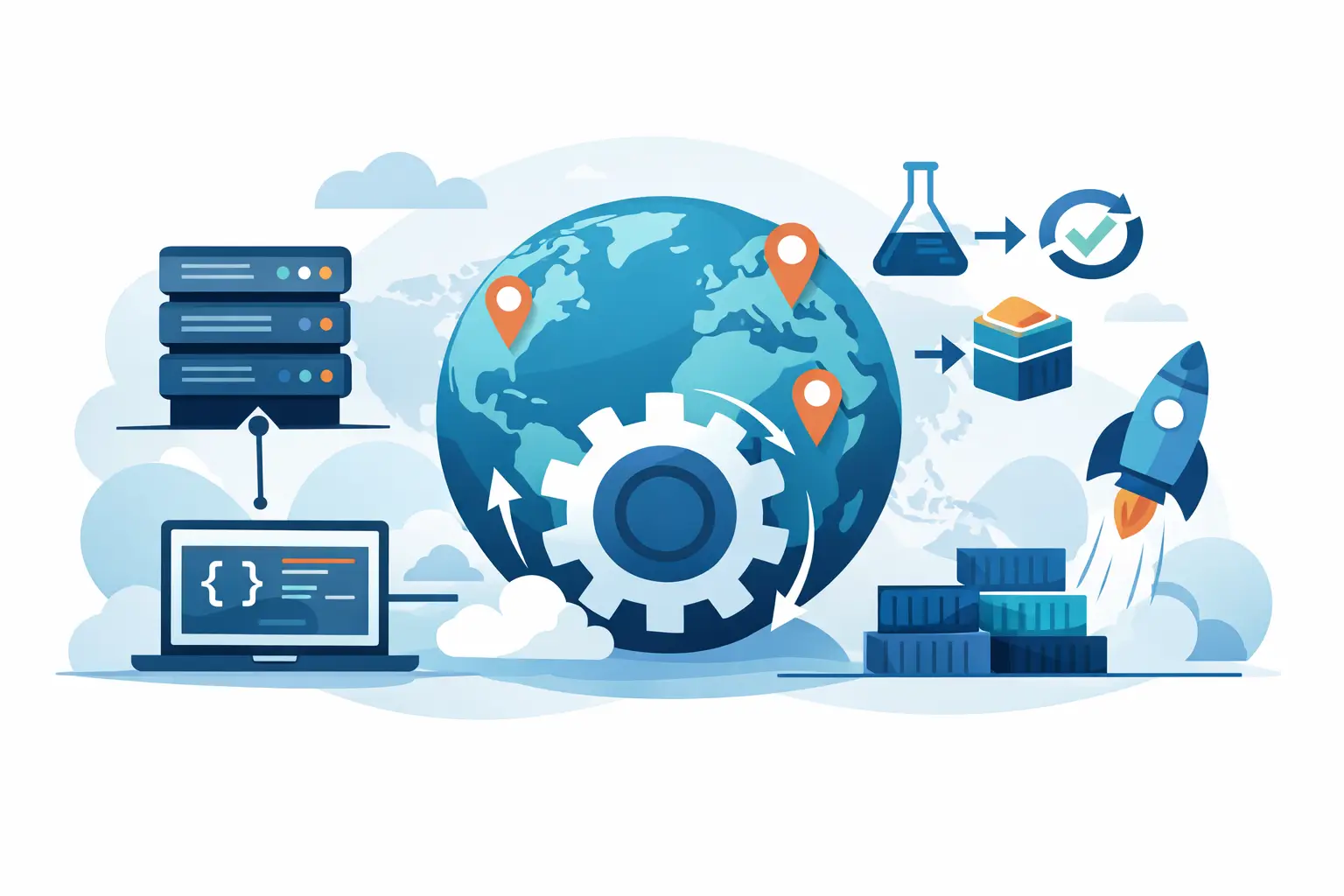
A localization process usually breaks down at the exact point where engineering expects it to be predictable - the build. Strings are extracted one way, translators work somewhere else, and localized files come back in formats that do not match the application’s actual resource pipeline. Build server localization fixes that by moving scanning, translation processing, validation, and output generation into the same controlled environment that already produces release artifacts.
For software teams shipping on a schedule, that change is less about convenience and more about architecture. If localization depends on manual export and import steps, it becomes a release risk. If it runs on the build server, it becomes part of the delivery system.
What build server localization actually means
Build server localization is the practice of executing localization tasks on the build server or CI agent rather than on an individual workstation or in a disconnected translation portal. The build system scans source files, updates translation projects, applies translation memory and terminology, runs validation, and generates deployment-ready localized resources as part of the automated pipeline.
That matters because modern applications rarely store all user-facing text in a single, simple format. A single product may include .resx files for .NET, JSON for web components, XML configuration, mobile resources, help content, database-driven text, and Office or structured document assets. When each format follows a different handoff path, quality drops and release timing becomes hard to control.
A build-server model keeps those formats inside one operational flow. Engineering owns the pipeline. Localization teams work with extracted content and translation assets. The system produces final language files without requiring direct access to source repositories by outside parties.
Why desktop localization workflows fail in CI/CD
Traditional localization tooling was often designed around a desktop user exporting files, sending them for translation, then importing them back before a release. That can still work for infrequent, large translation batches. It works poorly for products that release weekly, daily, or continuously.
The first problem is state drift. A translator may work from files exported on Monday while developers rename keys on Tuesday and remove features on Wednesday. By the time localized assets are imported, some strings are obsolete, some are missing, and some no longer map correctly to runtime resources.
The second problem is reproducibility. If a localization step happens manually on one machine, it is difficult to audit, repeat, or troubleshoot. CI/CD systems are built around deterministic output. A release should be generated from versioned inputs and known automation steps. Localization should follow the same rule.
The third problem is security. Many development teams cannot send source files or repository access to external systems. That is especially true in regulated environments, enterprise software, internal tools, and products containing proprietary logic or sensitive customer terminology. Local file scanning and build-time execution reduce that exposure significantly.
How build server localization fits into a real pipeline
In a practical setup, the build server does not replace translators. It replaces inconsistent handoffs.
A typical pipeline starts by scanning source assets to detect new, changed, and removed localizable content. That scan must understand the actual file formats in use, not just plain text extraction. If the parser cannot correctly identify resources, comments, placeholders, plural forms, or context metadata, automation creates more cleanup work than it saves.
Once content is updated, the localization platform can reuse translation memory, apply termbase rules, and pretranslate with machine translation where appropriate. Then it runs validation. This step is often underestimated. Placeholder mismatches, truncated values, malformed markup, duplicate keys, invalid escapes, and culture formatting errors are easier to catch during build than after deployment.
Finally, the system generates target-language files in the exact formats the application needs. That is the key difference between translation management and production localization. Teams do not just need translated text. They need valid resource files that can be compiled, packaged, and shipped.
Build server localization and source code control
One of the strongest reasons to use build server localization is control. Development teams want localization integrated into delivery, but they do not want translation workflows pushing uncontrolled changes into the repository.
A better model is to let the build server scan local files from the repository, update the localization project in a controlled environment, and generate outputs from approved translation assets. This preserves separation of duties. Developers manage code. Localization managers manage language assets. The build pipeline combines them at the right time.
That separation also helps when multiple products or branches share resources. Translation memory and terminology can stay centralized while actual source code remains inside the company’s infrastructure. For many organizations, that is a non-negotiable requirement rather than a preference.
The file format problem most teams underestimate
The phrase build server localization sounds straightforward until a team tries to automate across real product assets. Supporting one or two formats is easy. Supporting the full range of production formats is where many workflows fail.
Localization automation has to understand how strings are stored, how metadata is preserved, and how target files must be rebuilt. A web app may tolerate loose JSON handling. A desktop application with compiled resources will not. Mobile platforms add their own syntax rules. Structured documents introduce formatting and layout constraints. Database content may require export and import logic rather than file replacement.
This is why format coverage is not a marketing detail. It is an implementation requirement. If the localization system cannot natively process the formats already in your build, engineers end up writing conversion scripts, maintaining custom parsers, or accepting manual exceptions. That erodes the value of automation quickly.
Quality gains from running localization at build time
Teams often adopt build server localization for speed, but the quality benefits can be just as significant.
When validation runs during the build, errors are detected at the same point as other release blockers. A broken placeholder should fail the localization step just as a failed unit test would fail the compile step. That creates accountability and prevents language issues from being treated as post-release cleanup.
Build-time localization also improves consistency. Translation memory, terminology, and machine translation settings are applied from a shared system rather than from individual translator workstations. Reviews happen against current source content. Outputs are generated using the same logic every time.
There is still a trade-off. If validation rules are too aggressive early on, teams may create noisy failures that developers start ignoring. The right approach is staged enforcement: start with high-risk issues such as placeholder and syntax errors, then tighten quality gates as the localization workflow matures.
Where build server localization works best - and where it needs care
This model is strongest for organizations with recurring releases, multiple supported languages, and a need for deployment-ready artifacts. It is especially effective when engineering and localization are both mature enough to treat language resources as versioned production assets.
It also works well when source code privacy matters. A local build-server process can scan repositories and generate outputs without exposing code to browser-based systems or broad external access.
There are cases where the implementation needs more planning. If your content is spread across disconnected systems with no common asset management, pipeline automation may require a normalization step first. If translators depend heavily on visual context, the workflow should include screenshots, comments, or visual editors so that build efficiency does not reduce translation quality. If releases are rare and highly manual already, the ROI may be lower at first.
What to look for in a platform
If you are evaluating tooling for build server localization, look past generic translation features. The core question is whether the platform can operate as production infrastructure.
That means local scanning of source files, command-line or build-server execution, broad file format support, translation memory, terminology management, machine translation options, visual editing where needed, and validation that catches issues before output files are generated. It also means the system should produce final localized assets that fit directly into your build, not just bilingual interchange files that need another conversion step.
This is where specialized platforms stand apart. Soluling, for example, is built around local file processing, build automation, and deployment-ready output across a wide set of software and document formats. For engineering-led teams, that architecture is usually more useful than a translation portal that stops at string exchange.
Build server localization as release engineering
The most productive way to think about build server localization is not as a translation feature, but as a release engineering discipline. Once localization is part of CI/CD, language quality, file validity, and output generation become measurable, repeatable, and testable.
That shift changes team behavior. Developers stop treating localization as a late-stage packaging task. Localization managers get current source data and consistent assets. Release owners gain a pipeline that can produce multilingual builds with fewer surprises.
If your current process still depends on somebody remembering to export files, send emails, and reimport translations before release day, the problem is not translation capacity. The problem is that localization is still outside the build. Bringing it in is often the step that finally makes multilingual delivery behave like the rest of modern software development.