Choosing a Software Localization Tool
May 18, 2026
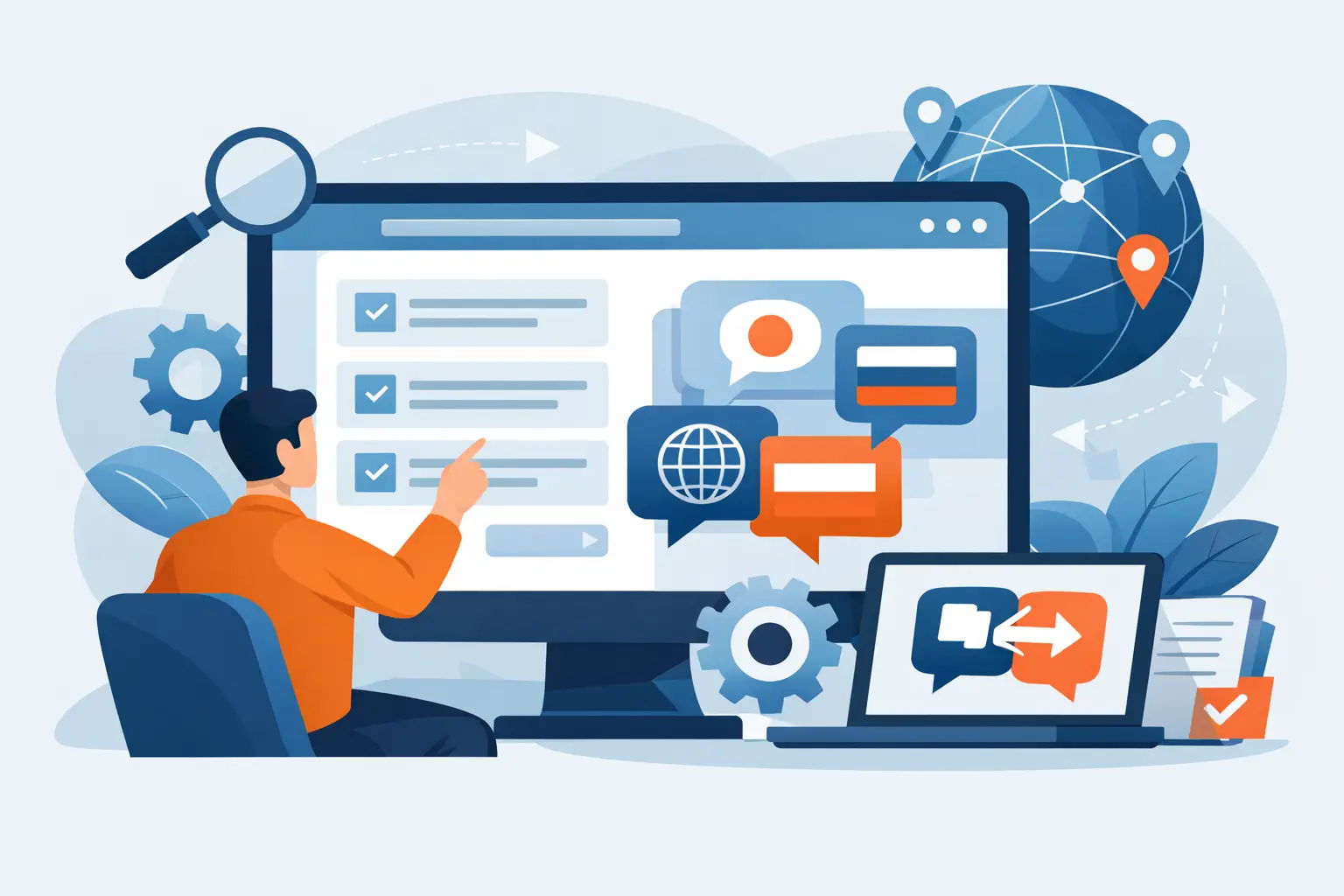
A release slips by two weeks, not because engineering missed the deadline, but because translated resources came back in the wrong format, screenshots were outdated, and someone had to rebuild language files by hand. That is the point where a software localization tool stops being a nice-to-have and becomes part of the delivery pipeline.
For software teams, localization is not just translation. It is string extraction, format handling, context management, validation, build output, and deployment timing. If the tool only covers one part of that chain, the work fragments quickly. Developers patch resource files, localization managers chase inconsistencies, and translators work without enough context to protect quality.
What a software localization tool actually needs to do
A software localization tool should do more than move text between source and target languages. It needs to understand how software stores language data and how multilingual assets are generated for production. That means reading native resource formats, preserving structure, protecting placeholders, and producing output files that can go straight back into the build.
This is where many teams run into trouble. General translation systems can be fine for marketing copy or simple documents, but software projects usually involve JSON, RESX, XLIFF, XML, YAML, mobile resources, help files, databases, and framework-specific formats in the same release. If each format requires a separate step or custom script, the localization stack becomes fragile.
A capable platform should also handle the less visible work that consumes real time: translation memory reuse, terminology consistency, machine translation support, visual context, pseudo-translation, and validation before strings reach QA. Those features are not extras. They are what keep multilingual releases predictable.
The biggest selection mistake: buying for translation only
Teams often evaluate tools based on editor experience or machine translation options, then discover later that the real bottleneck is format support and workflow compatibility. Translation speed matters, but it is rarely the only issue. A fast editor does not help if developers still need to export files manually, convert them for vendors, and rebuild localized resources outside the tool.
The better question is not, "Can translators work in it?" The better question is, "Can this tool operate inside our delivery process without creating exceptions?" For engineering-led organizations, that usually matters more than UI polish.
A strong fit usually includes local file scanning, repository-safe workflows, and build-server execution. That approach lets teams keep source code under their own control while still automating extraction, translation updates, validation, and output generation. For companies with security requirements or regulated environments, this is often a deciding factor.
How to evaluate a software localization tool in practice
Start with file formats, not feature grids. If the tool cannot natively process the formats your applications and content systems already use, every other capability becomes harder to realize. Ask for specific support, not broad claims. "Supports web and mobile" is too vague. You need to know whether it handles your actual frameworks, resource structures, and output expectations.
Then look at how the tool fits your release model. Some teams localize continuously with every sprint. Others run larger milestone-based cycles. A good platform should support both without forcing a process change. If your team wants to trigger updates from a build server, scan local files, or generate translated resources automatically, the tool should treat that as standard behavior rather than a custom integration.
Quality control is the next breakpoint. A useful tool should validate placeholders, detect truncation risks, flag missing translations, identify inconsistent terminology, and catch format errors before files are returned to engineering. If QA starts only after import into the app, defects become much more expensive to fix.
Finally, consider who actually uses the system. Developers, localization managers, translators, and technical writers often work on the same multilingual product from different angles. A platform that gives each role the right level of access and context will outperform one that is optimized for only one group.
Why format depth changes the economics
Broad file-format support sounds like a product brochure claim until you compare effort over time. In real software environments, localization work is spread across application resources, installer text, documentation, configuration files, databases, reports, and structured content exports. If each source type needs a separate tool, separate QA, or separate vendor workflow, operating cost climbs even when license cost looks low.
Format depth reduces hidden labor. It also reduces risk. Native support means fewer conversions, fewer broken tags, fewer encoding surprises, and less manual cleanup. That is especially important when products span desktop, web, and mobile applications while also shipping documentation or embedded content.
This is one reason specialized platforms stand apart from generic translation systems. A dedicated localization environment such as Soluling is designed to work at the file and build level, not just at the text segment level. That difference becomes visible when teams need deployable outputs rather than translated spreadsheets.
Automation matters, but control matters more
Most teams want automation, but not at the cost of visibility or security. A fully cloud-dependent model can be a poor fit when repositories contain sensitive code, proprietary strings, or unreleased product details. In those environments, local scanning and on-premise or controlled execution are not preferences. They are operational requirements.
The right tool should let you automate repetitive tasks without surrendering control of source assets. That includes scheduled scans, batch processing, translation propagation, machine translation prefill, QA checks, and output generation. It should also support auditability - who changed what, what was translated automatically, and what still requires review.
There is a trade-off here. Highly controlled environments may require more initial setup than lightweight SaaS tools. But for software companies shipping complex products, the payoff is usually better reproducibility and fewer release-stage surprises.
Visual context is not optional for modern UI localization
String lists alone are a poor way to localize user interfaces. Even experienced translators make avoidable mistakes when the only context is an identifier and a character limit. Ambiguous verbs, reused labels, and clipped dialogs are common results.
A software localization tool should provide visual editors or contextual previews wherever possible. This helps translators understand where text appears, and it helps reviewers catch layout issues before engineering packages a build. Context is also important for terminology control. The right term in a settings panel may be the wrong term in a report export or onboarding flow.
That said, visual editing is not a replacement for structural validation. A screenshot can show a button label, but it cannot guarantee placeholders, markup, or plural rules remain correct. The best systems combine context with technical safeguards.
Translation memory and AI work best together when governed well
Most teams no longer ask whether machine translation should be available. They ask how it is controlled. A mature localization workflow uses translation memory first, terminology rules second, and AI-assisted translation where it accelerates throughput without lowering quality.
The tool should let teams pretranslate repetitive content, protect approved terms, and separate fully trusted matches from content that still needs human review. This is particularly useful for large update cycles with many unchanged or lightly modified strings. Without that governance, AI can create speed at the front of the process and cleanup debt at the end.
For technical products, consistency often matters more than fluency. Users notice when menu items, error messages, and documentation describe the same feature in different ways. Translation memory and termbase support are what keep those experiences aligned across releases.
What the right decision looks like
The best software localization tool is usually not the one with the longest feature page. It is the one that fits how your team builds, validates, and ships multilingual software. That means native format support, automated resource handling, strong QA, controlled translation workflows, and output that is ready for deployment.
If your team is still passing files between disconnected systems, localization is probably costing more than the budget report shows. The real cost appears in delayed releases, manual fixes, and quality issues found too late. Choosing a tool with technical depth and workflow compatibility is how you turn localization from a recurring disruption into a repeatable engineering process.
Pick the platform that can live inside your build and release reality, not just your procurement checklist. That choice will keep paying off long after the first language goes live.