Cloud Localization vs On Premise
June 26, 2026
A localization stack looks efficient on paper until it touches source code, build pipelines, translation QA, and release deadlines. That is where the real decision starts. For software teams comparing cloud localization vs on premise, the question is not which model sounds more modern. It is which model fits the way your product is built, secured, translated, and shipped.
This distinction matters more for engineering-led organizations than it does for basic website translation. Software localization involves resource extraction, file parsing, terminology control, screenshots or visual context, validation, machine translation, translation memory, and deployment-ready output. If your application spans desktop, web, mobile, documents, databases, or structured data, the wrong architecture creates friction fast.
What cloud localization vs on premise really means
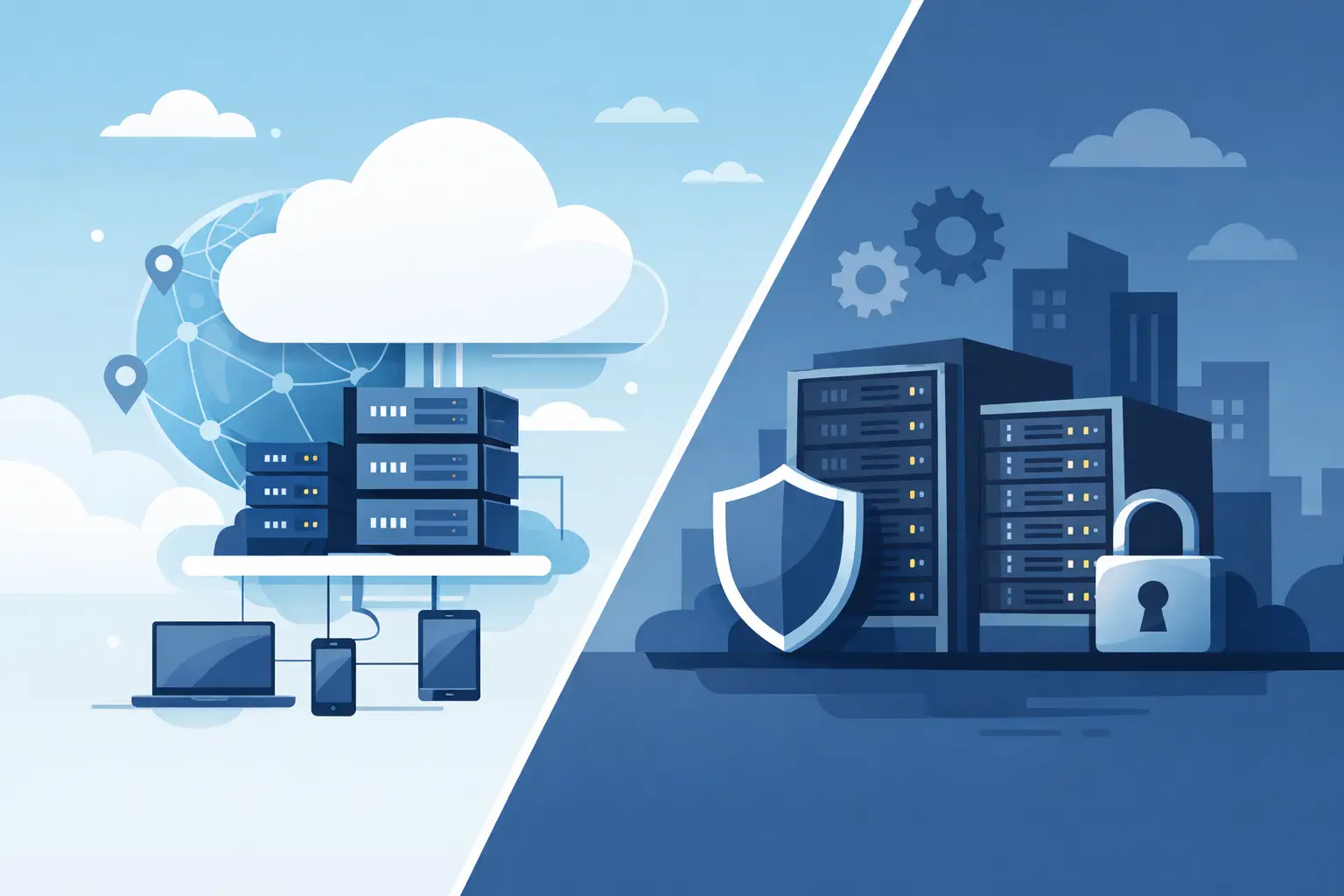
Cloud localization usually means the localization platform, translation assets, and workflow management live in a vendor-hosted environment. Users sign in through a browser, upload files or connect repositories, assign tasks, and manage translations centrally. The appeal is obvious: quick setup, shared access, and less infrastructure to maintain internally.
On-premise localization means the software runs inside your own environment, whether on local workstations, virtual machines, internal servers, or controlled build agents. Translation memories, terminology databases, project files, and source assets stay under your administration. For some teams, that is a preference. For others, it is a compliance requirement.
In practice, the decision is rarely binary. Some teams want cloud-style collaboration but cannot permit external source-code exposure. Others are comfortable with browser-based project management but insist that file scanning and build-time processing happen locally. The most useful evaluation is not cloud versus old school. It is hosted convenience versus operational control.
Security and code exposure are usually the first filter
If your localization process touches proprietary source code, regulated content, customer data, or unreleased product strings, security moves to the top of the list quickly. A cloud platform may still be secure by design, but the security model is different. Files or repository access must leave your environment, at least partially, to be processed by the service.
That creates acceptable risk for some organizations and unacceptable risk for others. Internal tools, defense-related applications, healthcare software, financial platforms, and enterprise products under strict customer agreements often cannot externalize raw assets freely. Even when the vendor offers encryption and access controls, legal or procurement teams may still reject the architecture.
On-premise deployment gives security teams fewer unknowns. Data residency, access control, retention policies, network segmentation, and audit boundaries remain internal. Development teams also avoid granting broad repository access to outside systems. That is one reason many technical organizations prefer localization tools that can scan local files and run on build servers without requiring source code to be uploaded.
Cloud wins on immediate accessibility, but not always on workflow fit
Cloud systems are attractive because they remove setup friction. A distributed team can be active in hours, not weeks. Localization managers can assign work, translators can edit in the browser, and stakeholders can review strings without installing software. That convenience is real.
But convenience does not automatically mean compatibility with software delivery. Browser-first systems often perform best when content is already centralized and loosely structured. Software assets are different. Resource files can be deeply tied to frameworks, custom formats, branching models, and release automation. When a platform handles those details weakly, teams compensate with exports, imports, manual checks, and custom scripts.
On-premise environments tend to fit engineering workflows better when file fidelity matters. If the system understands native software resource formats, preserves structure, validates placeholders, and generates output files directly for deployment, teams spend less time adapting the localization tool to the product. That difference is easy to underestimate during procurement and impossible to ignore during release week.
Automation changes the equation
A basic cloud workflow can still be manual: upload files, wait for translation, review output, download results, and push them back into the build. For static content, that may be acceptable. For active software products with frequent releases, it becomes a bottleneck.
This is where on-premise or locally executed localization has a strong advantage. When extraction, translation updates, validation, and resource generation can run inside CI/CD or scheduled build jobs, localization becomes part of release engineering rather than a side process. Strings are scanned from source, translated assets are updated, QA rules are applied, and output files are produced in a predictable way.
That does not mean cloud platforms cannot support automation. Some do, through APIs or repository connectors. The question is how much control you retain over the execution path. If your build pipeline depends on deterministic local processing, broad file-format support, and zero source upload, local execution is usually the cleaner model.
Cost is more than subscription versus license
Cloud pricing often looks simpler at first. You pay a recurring fee and avoid internal hosting work. That is attractive for teams that need to move quickly or have limited IT support.
But long-term cost depends on usage patterns. Large multilingual products generate recurring translation volume, ongoing validation needs, multiple release branches, and storage for translation memories and project histories. Per-user, per-project, or per-volume pricing can become expensive over time, especially when engineers, reviewers, vendors, and product stakeholders all need access.
On-premise deployments typically involve higher upfront planning and administration, but they can reduce operational cost for organizations with steady localization demand. They also reduce hidden process cost when teams no longer need to reformat assets, duplicate QA work, or reconcile output from disconnected systems.
The more technical your content mix becomes, the more economic efficiency depends on format support and automation depth rather than on the hosting model alone.
Translation quality depends on tooling, not just location
Some buyers assume cloud equals collaborative and on premise equals limited. That is outdated thinking. Translation quality comes from the capabilities around the workflow: translation memory, termbase control, machine translation options, visual context, QA checks, placeholder protection, and support for real file structures.
A cloud interface may be easy to use, but if it flattens complex formats or strips technical context, translators make more mistakes. Likewise, an on-premise system with poor usability or weak review tools will slow everyone down.
The better question is whether the platform supports the full localization lifecycle with technical accuracy. Can it parse your actual formats? Can it validate variables and markup before strings ship? Can translators work with leverage from existing assets? Can build outputs be trusted without post-processing? Those capabilities matter more than where the project database happens to live.
When cloud localization is the better choice
Cloud localization makes sense when your team values fast onboarding, broad browser access, and minimal infrastructure management. It often fits companies with simpler content structures, lighter security constraints, and a strong need for external collaboration across many reviewers and translators.
It is also practical for organizations where the localization team operates independently from engineering and where release processes do not require deep build integration. If most work consists of website copy, marketing content, product text from centralized systems, or basic application strings, cloud delivery can be efficient.
When on premise is the better choice
On premise is usually the stronger fit when localization is tightly coupled to software engineering. If your team handles multiple codebases, structured resource formats, version-controlled assets, release branches, and internal build automation, local control removes a lot of operational risk.
It is especially compelling when source-code privacy is non-negotiable, when procurement blocks third-party hosting, or when your output must be generated and validated inside controlled infrastructure. For many enterprise software teams, these are normal conditions, not edge cases.
This is also where a platform such as Soluling stands out. A localization environment that scans local files, supports build-server execution, handles a wide range of technical formats, and produces deployment-ready resources aligns far better with engineering reality than a browser-only translation layer.
A hybrid model is often the real answer
Many teams do not need pure cloud or pure on premise. They need local execution for scanning, validation, and build integration, while still supporting collaboration among translators, reviewers, and localization managers. That hybrid approach keeps sensitive assets inside your environment while preserving workflow efficiency.
If you are evaluating vendors, test for this specifically. Ask where parsing occurs, where source files reside, how output files are generated, whether builds can run without internet dependency, and how translation assets are synchronized. The architecture details matter more than the product category on the homepage.
The strongest localization setup is the one that disappears into your delivery process. When the platform respects your formats, protects your code, and supports repeatable automation, your team spends less time managing translation logistics and more time shipping a product that reads like it was built for every market from day one.