CSV Product Data Localization Example for Releases
September 30, 2026
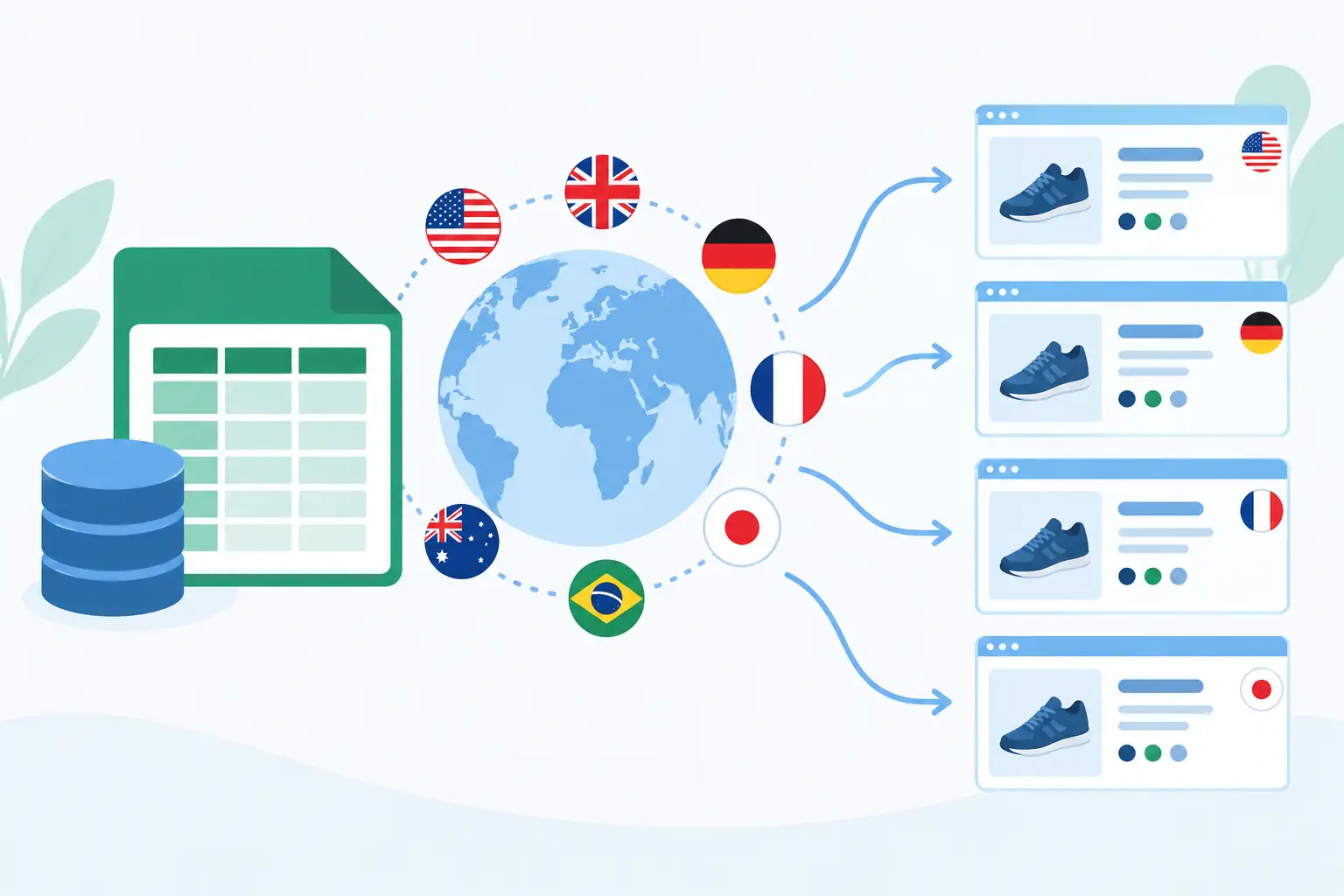
A catalog import can fail globally for reasons that have nothing to do with translation quality. A comma inside a French description can shift columns. A localized price can overwrite a numeric field. A translator can inadvertently change an SKU that downstream systems treat as an identifier. This CSV product data localization example shows how to separate translatable product content from operational data, then generate files that are safe to import and release.
The example applies to ecommerce catalogs, SaaS marketplaces, inventory systems, and any application that stores product-facing content in CSV files. The implementation details vary by importer, but the core rule is consistent: preserve stable machine data, localize only approved fields, and validate the generated files before deployment.
Start with a source CSV designed for localization
A CSV file is only a flat table, so its column design determines whether localization stays manageable. Avoid treating every text-looking cell as translatable. Product IDs, SKUs, GTINs, image paths, category codes, tax classes, and numeric attributes normally must remain unchanged across locales.
A source file might look like this:
```csv product_id,sku,category_code,name,short_description,long_description,color,weight_kg,price_usd,image_path 1001,TRAIL-22-BLU,OUTDOOR,Trail Pack 22L,"Lightweight day pack","A 22-liter pack with a ventilated back panel and two side pockets.",Blue,0.68,89.00,images/trail-22-blue.jpg 1002,THERM-500,DRINKWARE,Thermal Bottle 500 ml,"Keeps drinks hot or cold","Double-wall stainless steel bottle. Hand wash only.",Silver,0.31,24.50,images/thermal-500.jpg ```
In this structure, `name`, `short_description`, `long_description`, and possibly `color` are candidates for translation. Whether `color` should be localized depends on its role. If it is display text, translate it. If it is a controlled value used for filtering, inventory matching, or variant selection, retain the source code in a separate field and localize only the label.
For example, a stronger schema uses both `color_code` and `color_label`. The code remains `BLUE`; the label can become `Bleu`, `Blau`, or `Azul`. That distinction prevents a localized label from breaking product-variant logic.
CSV product data localization example: German output
For a German storefront, do not modify the original source file in place. Generate a locale-specific output such as `products.de-DE.csv` from the source and the translated resources.
```csv product_id,sku,category_code,name,short_description,long_description,color,weight_kg,price_usd,image_path 1001,TRAIL-22-BLU,OUTDOOR,Trail-Rucksack 22 L,"Leichter Tagesrucksack","Ein 22-Liter-Rucksack mit belüftetem Rückenpanel und zwei Seitentaschen.",Blau,0.68,89.00,images/trail-22-blue.jpg 1002,THERM-500,DRINKWARE,Thermoflasche 500 ml,"Hält Getränke heiß oder kalt","Doppelwandige Edelstahlflasche. Nur von Hand spülen.",Silber,0.31,24.50,images/thermal-500.jpg ```
Notice what did not change: product IDs, SKUs, category codes, weight values, prices, and asset paths. This is deliberate. A CSV localization workflow should produce a predictable delta: translated display fields change; system fields remain byte-for-byte equivalent unless a documented locale rule requires otherwise.
Price is a common exception that needs careful modeling. `price_usd` is data, not a translation. A German customer may see `89,00 $` or an equivalent local-currency amount in the user interface, but that formatting belongs in the presentation layer or a market-specific pricing feed. Replacing `89.00` with `89,00` inside an import field can cause parsing errors in systems that expect a period decimal separator.
Use stable context, not row position
Rows move. Products are added, removed, and sorted differently by exports. Translation workflows that depend on row number become fragile after the first catalog update.
Use a stable key, usually `product_id`, to associate translations with source content. If a product has multiple independently translatable fields, the internal translation unit should include both the product key and the field name. A practical identifier is `1001.name` or `1001.long_description`.
Context matters as much as the key. The word “Trail” in a product name may be a brand term, while “trail” in a description is ordinary text. Provide translators with the product category, field name, character limits, and any terminology restrictions. For catalog work, a short description may feed a product card with a 120-character limit, while a long description has no practical limit. Those are different translation tasks even when they share similar source text.
A localization platform should scan the CSV structure, expose only selected columns for translation, and preserve the remaining fields unchanged. Soluling can process structured formats locally, apply translation memory and terminology, and generate localized output without requiring source catalogs to be placed in a third-party repository.
Define CSV rules before sending content to translation
CSV has no universal agreement on delimiter, quote handling, encoding, or line endings. A file can look correct in a spreadsheet and still fail in an import job. Establish these rules in the project configuration and keep them consistent across all locales.
Use UTF-8 encoding unless the receiving system explicitly requires another encoding. Set the delimiter, usually a comma, semicolon, or tab, based on the importer rather than the translator’s desktop settings. Quote fields that contain delimiters, quotes, or line breaks. Within a quoted CSV field, escape a literal quote by doubling it.
For example, this valid value:
```csv "Includes a 22-inch sleeve and ""quick-access"" pocket." ```
must remain correctly escaped after translation. A translation tool that understands CSV fields can preserve this syntax while presenting translators with readable content. Manual copy-and-paste through spreadsheets introduces unnecessary risk, especially when descriptions contain HTML fragments, placeholders, or embedded punctuation.
Also establish whether HTML is allowed in descriptions. If `long_description` contains markup such as `` or `
`, translators need tag protection and validation. Treating HTML-bearing content as plain text can result in broken product pages even if the words are accurately translated.
Validate the localized file at build time
Translation review is necessary, but it does not replace structural validation. The release pipeline should compare each localized CSV against the source schema before it reaches an import environment.
At minimum, validate the header order, required columns, row count expectations, unique product IDs, encoding, delimiter consistency, and valid CSV quoting. Verify that protected columns are unchanged. For each translated field, check character limits, required values, prohibited terminology, placeholder integrity, and markup balance where applicable.
Some checks require business rules. A title may not be blank for active products. A localized description may not contain a competitor name. A regulated product category may require an approved warning statement. These rules should be automated where possible because catalog updates are frequent and manual review does not scale cleanly across dozens of locales.
A practical build sequence is straightforward: export the source catalog, scan approved translatable columns, apply reviewed translations, generate one output file per locale, run structural and linguistic validation, then import or package the results. If any validation fails, the build should stop with a field-level error that identifies the product ID, column, and locale.
Handle locale differences without duplicating operational data
Not every locale needs the same product assortment or the same attributes. A Japanese catalog may require different measurements, while a Canadian French catalog may need distinct legal copy. Do not solve this by letting translators edit the core data columns.
Instead, maintain explicit locale-aware fields or market overlays. For example, `name_fr-CA` can be generated into a Canadian French export, while a separate market rules file controls availability, currency, and compliance content. This keeps translation, merchandising, and commercial configuration distinct enough to audit and automate.
The same approach applies to images. If an image contains embedded English text, an unchanged `image_path` is not sufficient for localization. Use a locale-specific asset mapping such as `image_path_de-DE`, or manage image variants in the asset system. The CSV should reference a validated localized asset, not rely on a translator to alter a file path without visibility into the underlying image.
Keep the source authoritative
A localized CSV is a release artifact, not the master record. When a product description changes in the source catalog, the localization workflow should identify the changed fields, reuse approved translation memory where appropriate, flag affected translations for review, and regenerate the locale files.
That discipline prevents a common failure mode: separate regional teams maintaining independent spreadsheets that slowly diverge in identifiers, attributes, and product availability. The goal is not merely translated text. It is a repeatable build process that delivers valid, import-ready product data every time the catalog changes.
When product data is treated as structured release content rather than a spreadsheet handoff, localization becomes easier to test, safer to automate, and far less likely to block a market launch.