How a Continuous Localization Workflow Works
May 19, 2026
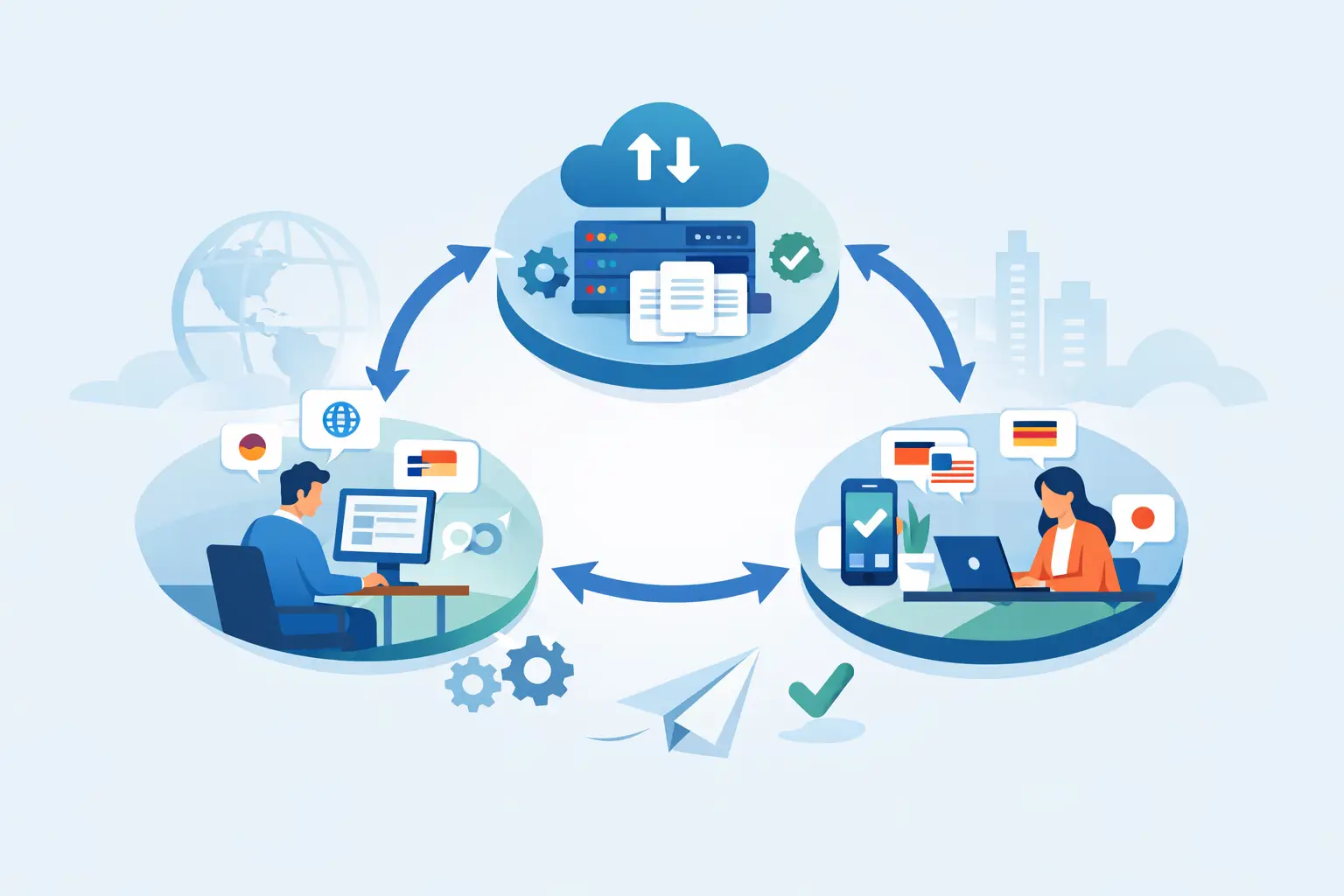
Release day should not depend on whether someone remembered to export strings to a spreadsheet.
A continuous localization workflow replaces that brittle handoff model with an automated process tied to development, translation, validation, and delivery. For software teams shipping frequent updates across multiple languages, it changes localization from a release blocker into a repeatable part of the build pipeline.
That sounds straightforward, but the details matter. Continuous localization is not just “translate more often.” It is a specific operating model where source changes are detected early, localizable content is extracted in the correct format, translators work with context, quality checks run continuously, and localized resources are produced in a deployable state. If any of those steps are weak, the workflow looks modern on paper but still creates the same bottlenecks.
What a continuous localization workflow actually does
At a practical level, a continuous localization workflow keeps localization synchronized with product change. New strings, updated strings, screenshots, structured content, and document resources are scanned from source files or repositories as development progresses. Those changes are then routed into translation and review without waiting for a large manual batch at the end of a sprint or release cycle.
For engineering teams, the advantage is timing. Localization starts when content changes appear, not when the release manager notices a gap. For localization managers, the advantage is control. They can maintain translation memory, terminology, machine translation settings, and review policies in one system instead of stitching together separate tools.
The strongest implementations also validate content before it reaches production. That includes placeholder checks, length issues, missing translations, invalid resource structures, and formatting problems that can break applications or documents. In other words, continuous localization is not only about speed. It is also about producing output files that are usable by the build system and safe to ship.
Why waterfall localization breaks under fast release cycles
Traditional localization still works in some cases. If your product releases twice a year, your source files are stable, and language scope is limited, a batch-based process may be enough. But many software teams no longer operate that way.
Modern products update constantly. Web apps change weekly or daily. Mobile apps ship frequent releases. Documentation and help content evolve alongside product features. In that environment, a waterfall model creates delay in predictable places: string extraction happens late, translators work from outdated files, engineering receives translations too close to release, and QA catches issues when there is little time left to fix them.
The cost is not only schedule slippage. Teams also accumulate quality debt. Duplicate strings are retranslated because translation memory was not applied early enough. Glossary terms drift across products. Developers hard-code text to avoid process friction. Localization becomes something people work around instead of trust.
That is the real argument for a continuous model. It fits the way software is built now.
The core stages in a continuous localization workflow
A working pipeline usually starts with automated scanning. The system monitors local files, source-controlled assets, or build outputs and detects changes in supported resource formats. This step matters more than many teams realize. If extraction is inconsistent, everything downstream becomes manual again.
After detection, the workflow decouples translatable content from code and prepares it for translation. Context should travel with the string whenever possible. That might include comments, screenshots, key names, UI previews, or resource hierarchy. Translators move faster and make better decisions when they can see where text will appear.
The next stage is translation and reuse. Translation memory should prefill exact and fuzzy matches. Termbases should flag approved terminology. Machine translation can help with throughput, but only when it is governed by quality rules and reviewer oversight. For high-volume products, this combination is often the difference between a scalable workflow and an expensive one.
Then comes validation. Good pipelines check syntax, variable usage, markup integrity, plural rules, maximum lengths, duplicate translations, and missing segments before files move forward. This is one of the clearest dividing lines between a generic translation process and a real localization workflow for software.
Finally, localized resources are generated back into the formats the product needs. That may be application resource files, JSON, XML, RESX, YAML, database content, Office documents, or other structured outputs. The result should be ready for build-time consumption or direct deployment, not a pile of translated text that still requires engineering cleanup.
What teams need to get right
The hardest part is rarely the idea. It is the implementation.
One common problem is format fragmentation. A product may include desktop resources, mobile strings, web JSON files, online help, PDFs, email templates, and database content. If each format needs a different tool or a custom script, the workflow becomes fragile very quickly. Teams then spend more time managing handoffs than translating.
Another issue is source code control. Many organizations do not want third-party systems pulling code into external cloud services. That concern is reasonable, especially in regulated environments or enterprise product teams handling proprietary repositories. A continuous process does not require giving up control, but it does require tooling that can scan files locally, execute on build servers, and keep source assets inside the organization’s security model.
There is also the question of ownership. Engineering often assumes localization will manage translation. Localization assumes engineering will automate extraction and delivery. Without clear responsibility for each step, continuous localization turns into a half-automated process with manual rescue work. The healthiest model is shared ownership: developers define extraction and build integration, while localization defines linguistic assets, review, and quality rules.
Where automation helps and where it does not
Automation is excellent at detecting change, routing files, applying translation memory, generating resource outputs, and running validation checks. It is much less effective at resolving ambiguity in source text.
If developers write unclear strings such as “Open,” “Close,” or “Apply” without context, no pipeline will fix that by itself. If UI copy changes after translation freeze, automation will move the updates faster, but it cannot prevent rework. If terminology is not standardized, machine translation and human translators will both produce inconsistent results.
So the trade-off is straightforward. Automation reduces process waste, but content quality still depends on source discipline. Teams that get the best results treat localization as part of product engineering, not as a file transfer task.
Building a continuous localization workflow into CI/CD
For DevOps-oriented teams, the natural place for localization is inside the same build and release infrastructure used for code. Resource scanning can run on commit, on branch merge, or during scheduled jobs. Translation packages can be updated automatically. Validation can fail a build when placeholders are broken or required translations are missing for release languages.
That level of integration is useful because it makes localization visible in the same operational layer as testing and packaging. It also reduces the old pattern where localization issues are discovered only after a release candidate is assembled.
Still, not every team needs the same trigger model. A SaaS product with daily deployments may prefer frequent synchronization. An enterprise desktop product may use milestone-based automation with stricter review gates. Continuous localization does not mean every language file changes every hour. It means the workflow supports ongoing change without relying on manual batching.
Choosing tools for a continuous localization workflow
Tool selection should start with technical fit, not with a generic promise of AI or automation. Teams need to ask whether the platform supports their actual file formats, whether it can run inside their security boundaries, whether it generates deployable outputs, and whether it gives both developers and translators usable context.
Broad format coverage matters because localization work is rarely limited to one application layer. Validation matters because translation that compiles incorrectly is not finished work. Translation memory, terminology management, visual editors, machine translation, and build automation all matter too, but only if they operate in one consistent workflow.
This is where specialized localization platforms tend to outperform disconnected tools. A system such as Soluling is designed for software and structured content workflows, with support for local scanning, build-server execution, translation assets, visual editing, and output generation across a large range of formats. For teams that need both control and automation, that architecture is often more practical than pushing software resources through a document-centric process.
The result is not just faster translation
When teams adopt a well-implemented continuous localization workflow, the visible improvement is faster turnaround. The more valuable improvement is predictability. Releases stop being held up by last-minute export cycles. Translators stop working from stale files. QA catches issues earlier. Developers spend less time repairing broken resource files.
That predictability changes how global products are planned. New languages become easier to support. Existing languages stay current with product changes. Localization shifts from a periodic project to an operational capability.
If your release process still treats translation as a batch task at the end, the fix is usually not more effort. It is better workflow design, tighter integration, and tools built for real production formats. Start there, and localization becomes easier to trust every time the product changes.