How to Automate Multilingual Builds Reliably
August 29, 2026
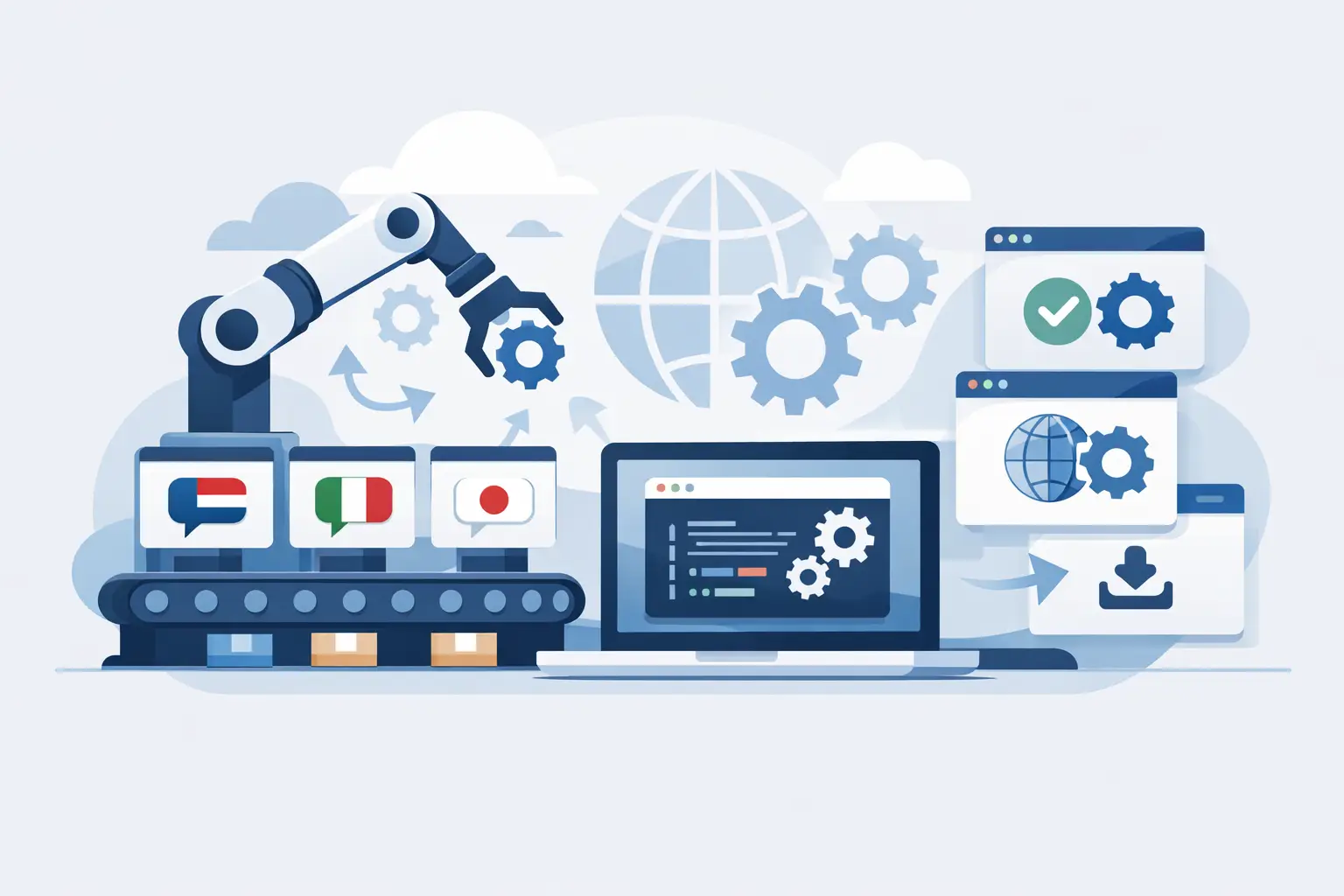
A release can pass every unit test and still fail customers when a French dialog overflows, a Japanese resource is missing, or an outdated translation ships with a new feature. The practical answer to how to automate multilingual builds is to treat localization as a controlled build input and localized resources as versioned build outputs - not as files exchanged manually near the end of a release.
For engineering teams, multilingual automation is not simply a matter of calling machine translation from a pipeline. It requires reliable source extraction, change detection, translation workflow management, validation, output generation, and packaging. Each stage must preserve file integrity, work with the formats used by the product, and run predictably on developer workstations and build servers.
Define the multilingual build contract
Start by defining what the build owns. A multilingual build should identify the source assets it scans, the cultures it produces, the location of translation data, the validation rules it enforces, and the artifacts it publishes. This contract prevents a common failure mode: a build generates localized files, but nobody can establish which source revision or translation revision produced them.
Keep source-language resources in the same repository and versioning model as application code whenever possible. Translation memories, terminology, project settings, and language-specific resources also need a deliberate ownership model. Some teams store all localization assets in source control. Others keep centrally managed translation data in a localization system while checking generated outputs into the application repository. Either model can work, provided the pipeline records the versions used.
The contract should also state whether incomplete translations block a release. For internal builds, fallback to the source language may be acceptable. For a regulated product, customer-facing release, or a market launch, missing translations may need to fail the build. The right policy depends on product risk and release strategy, but it should be automated rather than decided through late-stage email threads.
Build a repeatable localization pipeline
A dependable pipeline follows the same general path for desktop, web, mobile, document, and structured-data projects: scan source content, identify changes, update translation work, validate localized content, generate target files, and package the results. The implementation varies by format, but the sequencing matters.
Scan source files instead of copying strings by hand
The scan stage detects localizable content in formats such as .NET RESX, WPF XAML, WinForms resources, Android XML, iOS strings files, JSON, YAML, HTML, Markdown, database exports, and documentation formats. It should recognize translatable text while preserving identifiers, placeholders, markup, resource metadata, and developer comments.
This is where generic text workflows create expensive defects. A localization process must distinguish a visible caption from a resource key, a format placeholder from ordinary punctuation, and an HTML attribute from text intended for translation. Use format-aware scanning so the system can extract only the intended content and retain the structural information needed to rebuild valid files.
Run scanning automatically when source resources change. In a pull request workflow, teams may scan and validate only the affected project. In a scheduled or release workflow, scan the complete product set to catch cross-project dependencies and changes outside the primary application repository.
Use stable identifiers and controlled change detection
Automation depends on knowing whether a source segment is new, changed, moved, or deleted. Stable resource keys are the strongest foundation for application localization. If a string is recreated with a new key on every edit, translation memory can still suggest a match, but the workflow loses precision and may create duplicate translation work.
Change detection should compare source content with the last known localization state. New strings should enter translation, changed strings should be marked for review based on configured rules, and obsolete strings should be retained or removed according to the product's maintenance policy. Do not immediately delete obsolete translations if branches, hotfixes, or supported product versions may still need them.
Translation memory and terminology reduce repeat work, but they should not silently override quality controls. A 100% memory match may be safely applied under an approved policy. A fuzzy match, machine translation proposal, or terminology warning should have a clear review path. Automation accelerates decisions; it should not conceal them.
Generate localized outputs as build artifacts
Once translations reach an approved state, generate localized resource files, satellite assemblies, localized documents, or language-specific data files from the localization project. Generated files must preserve encoding, line endings where required, file structure, and platform-specific naming conventions.
Treat these outputs as first-class artifacts. Publish them with the application package, associate them with the build number, and retain them long enough to reproduce a release. A release engineer should be able to answer a simple question without reconstructing history manually: which German, Spanish, and Japanese resources were packaged in build 4281?
For some teams, committing generated files is appropriate because downstream tools or repositories consume them directly. For others, generating them only on the build server avoids merge noise and prevents stale output files from entering source control. The decision depends on deployment architecture, but the generation process should be identical in both cases.
Put localization quality gates in CI
Compilation is necessary but insufficient. A localized file can compile while displaying broken placeholders, clipped text, invalid markup, or inconsistent terminology. Add localization checks to continuous integration before packaging artifacts.
Useful automated checks include placeholder consistency, HTML or XML validity, duplicate resource identifiers, missing language files, untranslated content, character encoding errors, maximum-length rules, accelerator-key collisions, and terminology violations. For applications with visual interfaces, visual validation should also inspect layout effects caused by translated text expansion, right-to-left rendering, and culture-specific formatting.
Not every warning should fail every build. Teams often configure tiers: structural errors fail immediately, missing required translations fail release builds, and style or terminology warnings create review tasks. This prevents the pipeline from becoming either too permissive or too noisy to trust.
Soluling can support this model by scanning supported formats locally, managing translation data and validation rules, and generating deployment-ready localized outputs during a build-server process. Local execution is particularly relevant when source code, product terminology, or unreleased UI content cannot be sent to an external translation service.
Integrate translation work without stalling engineering
Continuous localization works best when developers and translators operate on the same change signal but do not require the same tools. A source update should create or update translation tasks automatically. Translators need context, screenshots where available, terminology guidance, translation memory suggestions, and a way to flag ambiguous strings. Developers need actionable feedback when a resource design prevents safe localization.
Avoid making every feature branch wait for final translation approval unless the product truly requires it. A practical model is to build source-language and fallback-language artifacts for feature validation, then promote localized artifacts when translations pass their quality gates. Release branches can impose stricter rules than development branches.
This distinction matters for velocity. If localization automation blocks every experimental build, teams bypass it. If it waits until release day, defects become expensive. Use branch policies that match the purpose of the build.
Handle the cases automation cannot resolve alone
Some localization issues are design and product issues, not pipeline failures. Concatenated strings, hard-coded text, strings without context, and UI layouts designed for one language will continue to generate rework. The build can detect many of these patterns, but it cannot reliably infer intended meaning from “Open” or decide whether a compact mobile control has room for a 40% longer label.
Provide developer comments for ambiguous strings and design UI with text expansion in mind. Use named placeholders rather than position-dependent concatenation when the platform supports them. Test pseudo-localized builds early to expose clipping, fixed-width controls, and strings that escaped extraction. For right-to-left languages, include mirrored layouts and bidirectional text in the test plan instead of treating them as ordinary left-to-right translations.
Machine translation also requires a policy. It is useful for rapid coverage, internal builds, and high-volume content, especially when guided by terminology and translation memory. It is less suitable as an unreviewed final output for legally sensitive, safety-critical, or brand-defining content. Automation should route content according to risk, not apply one quality threshold to every string.
Measure whether the pipeline is improving releases
Track metrics that expose operational friction: time from source change to translated output, percentage of strings reused from translation memory, number of validation failures by type, untranslated content at release cut, and rework caused by source changes after translation begins. These measures reveal whether the constraint is extraction quality, developer readiness, translation capacity, or build configuration.
A healthy multilingual build is quiet. It detects source changes early, reuses approved language assets, produces validated target files consistently, and makes the release state visible to both engineering and localization. Start with one product, a small set of required languages, and the failure checks that matter most. Once the build is trusted, expanding it to more formats, repositories, and markets becomes an engineering task rather than a release-day scramble.