How to Choose Translation Memory Software
May 21, 2026
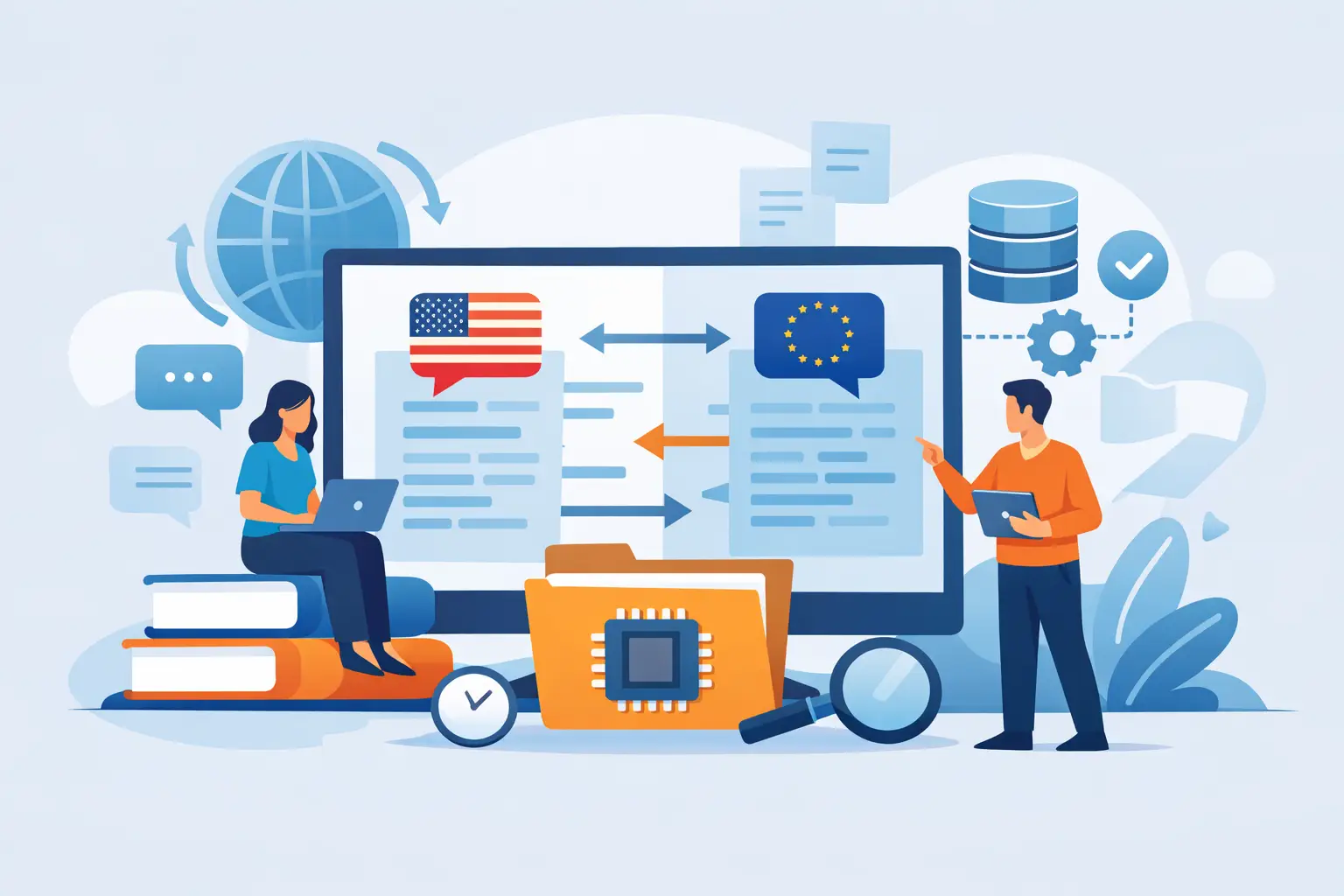
A translation update should not force your team to retranslate the same sentence for the fifth time, wait on spreadsheet handoffs, or push release dates because one resource file broke in the export step. That is exactly where translation memory software earns its place. For software teams and multilingual content owners, it is not just a translator productivity feature. It is part of the delivery pipeline.
At a basic level, translation memory software stores approved source and target language segments, then suggests those translations when matching text appears again. The value sounds simple, but the real difference shows up in production. Reused UI strings stay consistent across products. Documentation updates move faster. Reviewers spend less time correcting terminology drift. Engineering teams stop dealing with preventable rework caused by disconnected localization tools.
What translation memory software actually does
A translation memory is a database of previously translated text segments. When new content is imported, the system compares each segment against that database and returns exact or fuzzy matches. Exact matches can often be approved immediately. Fuzzy matches highlight differences so translators can edit instead of starting from zero.
That definition is familiar to most localization teams. The more useful question is how the software handles the surrounding workflow. In real projects, a translation memory does not live alone. It interacts with parsers, file filters, terminology rules, QA checks, machine translation, review states, and export logic. If those surrounding functions are weak, even a large translation memory will not save much time.
For developer-led environments, this matters even more. The software has to preserve resource keys, placeholders, ICU patterns, markup, and file structure while still exposing translatable text cleanly. A translation memory tool that works well for plain documents may fail when faced with JSON, RESX, XML, XLIFF, YAML, mobile resources, help systems, or database content.
Why software teams need more than a basic TM tool
A lightweight CAT tool can be enough for a freelance translator working on simple files. Product teams usually need more. They are managing releases, branching, validation, and a growing set of formats across applications, websites, support content, and internal knowledge bases.
In that environment, translation memory software should reduce operational friction, not add another layer of file conversion. If your team must pre-process files manually, strip out non-translatable content, rebuild packages by hand, and run separate QA after translation, the translation memory is only solving one small part of the problem.
This is where platform design becomes important. The best systems combine translation memory with terminology management, visual editing, machine translation, validation, and automation. That combination makes the memory more valuable because the suggested matches are applied in a controlled process instead of a fragile chain of disconnected tools.
There is also a security and governance angle. Many software companies do not want source files or repositories uploaded to external services. A locally managed localization platform with translation memory support gives teams control over code access, file handling, and build integration while still improving translation throughput.
Key features to look for in translation memory software
Match quality is the starting point, but not the finish line. You want exact matches, fuzzy matches, concordance search, penalties, and configurable thresholds. Beyond that, segmentation rules should be predictable. If the software segments text poorly, the translation memory fills with fragments that are technically stored but rarely useful.
Terminology support is equally important. A translation memory can repeat past translations, but it cannot by itself enforce preferred product names, UI labels, or regulated wording. Termbase integration keeps translators from accepting a historical match that is now outdated or inconsistent with current product language.
Quality assurance should sit close to the translation memory workflow. Checks for placeholders, tags, number formats, duplicate accelerators, length restrictions, and forbidden terms prevent bad matches from moving downstream. This matters especially in software localization, where a single broken placeholder can turn a valid translation into a runtime defect.
Visual context is another practical differentiator. Translators can make better use of translation memory suggestions when they see where a string appears in the interface or document layout. A short segment like “Open,” “Close,” or “Apply” may have several valid translations depending on context. Visual editors reduce the number of false assumptions that a raw TM match can introduce.
Finally, evaluate format support with care. “Supports software localization” is not specific enough. You need to know whether the tool can parse your actual files, preserve structure, and generate deployment-ready outputs without custom work for every release.
Translation memory software and automation
If localization is part of your release cadence, automation should influence your buying decision as much as translation quality does. Translation memory software becomes far more effective when it can scan source files, detect changes, pre-translate repeated content, and feed only new or modified segments into the translation workflow.
That reduces cost, but it also reduces cycle time. Teams stop moving entire files through review when only 8 percent of the text changed. Translators focus on net-new content. Reviewers spend time on meaningful updates instead of rereading repeated strings. Build systems can then generate localized resources in a consistent, testable way.
This is one reason engineering teams often prefer a localization platform over a standalone translation editor. They need command-line execution, scheduled processing, and compatibility with CI/CD workflows. A translation memory that lives only on a desktop is useful, but a translation memory integrated into build-time localization is much more valuable.
Trade-offs that are easy to miss
More matches do not always mean better translations. If the memory contains old terminology, poor segmentation, or content from unrelated products, match rates can look strong while quality drops. A healthy translation memory needs maintenance, deduplication, and governance.
There is also a trade-off between centralization and flexibility. A single shared TM improves reuse across products, but if teams localize different domains or audiences, aggressive sharing can introduce noise. Legal software, gaming UI, and medical documentation may all use the same language pair but require different phrasing. In those cases, multiple memories or domain-specific penalties may produce better results.
Machine translation adds another layer. Used carefully, it helps fill gaps when the translation memory has no match. Used carelessly, it can flood the workflow with low-confidence output that reviewers then have to rewrite. The best setup is usually hybrid: translation memory first, terminology applied, machine translation as a fallback, and QA validating the result.
How to evaluate translation memory software for your environment
Start with your file reality, not a vendor feature grid. List the formats you localize today and the ones you expect to support next year. Include software resources, structured documents, markup, and any database-driven or generated content. Then test the software on representative files, not sanitized demos.
Next, trace the full workflow. How are files scanned? How are changes detected? Can the system separate translatable text from code and metadata automatically? How are translations reviewed, validated, and exported? If your team works in branches or release trains, can the software handle that without manual duplication?
Then inspect control points. Where is the translation memory stored? Who can update it? Can you separate customer-specific, product-specific, and global memories? Are there audit trails, approval states, and automated QA before finalized output is generated?
Performance matters too. A translation memory may look fine in a pilot project and become slow or hard to govern once it contains millions of segments across multiple products and languages. Enterprise teams should test scale, concurrency, and maintenance workflows early.
For organizations that need both technical depth and operational control, a platform such as Soluling is relevant because it combines translation memory, terminology, visual editing, format parsing, validation, and automation in one environment built for real localization production rather than isolated translation tasks.
When translation memory software pays off fastest
The fastest return usually appears in products with repeated UI patterns, frequent release updates, versioned documentation, and multilingual support content. In those environments, approved text repeats constantly, and every repeated sentence that gets translated from scratch is unnecessary cost.
The payoff is also strong when teams are struggling with consistency. If product labels, dialog text, and documentation terminology diverge across releases, a well-managed translation memory paired with a termbase can stabilize language across the portfolio.
Smaller teams benefit too, but the value shows up differently. They may not need advanced workflow orchestration on day one. What they do need is a system they can grow into without replacing it once they add more products, more languages, or more automation.
The right translation memory software should make each release easier than the one before. Not because it stores translated text, but because it turns past work into usable production infrastructure. That is the standard worth holding. When your localization tools fit your formats, your build process, and your quality requirements, translation stops being a recurring bottleneck and becomes part of how you ship reliably in every language.