How to Build a Secure Translation Workflow
May 31, 2026
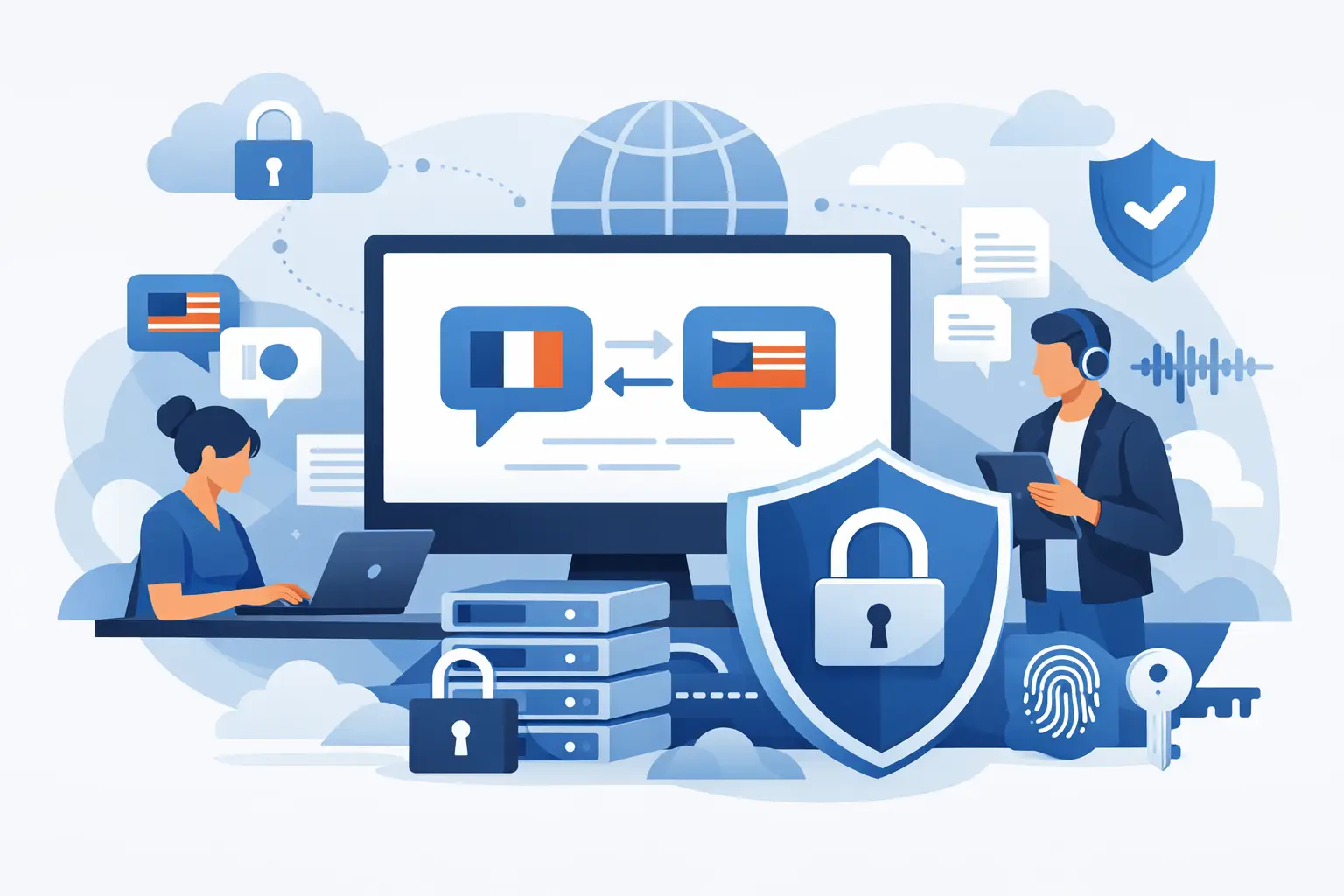
A translation mistake can be fixed in the next release. A security mistake in the localization process is harder to contain. Teams often focus on translation quality, turnaround time, and file coverage, then realize too late that strings, screenshots, documents, or resource files have been copied into email threads, uploaded to public SaaS tools, or handed off without proper access controls. A secure translation workflow prevents that drift while keeping releases moving.
For software companies, security in localization is rarely about one dramatic failure. It is usually a chain of small decisions: exporting raw resource files to spreadsheets, giving vendors broad repository access, moving content through unmanaged file shares, or bypassing validation because the release window is tight. The right workflow reduces those risks without forcing developers and localization teams into separate, manual processes.
What a secure translation workflow actually needs
A secure translation workflow is not just encrypted storage or a vendor NDA. It is a controlled process for extracting source content, assigning work, applying translation assets, validating output, and generating deployable files without exposing more data than necessary.
That means the workflow should answer a few practical questions. Where are source strings scanned and stored? Who can access them? Are translators working on decoupled content or full source files? Can builds run locally or on your own build server? Is translation memory stored in a controlled environment? Can QA catch format and placeholder errors before deployment? If those answers are vague, security is probably being handled informally.
In engineering-led environments, the safest model is usually the one that keeps source code and repositories under internal control. Translators and reviewers should work with only the content they need, not the entire application structure. That reduces exposure and makes access governance much simpler.
Where translation workflows usually become risky
The weak points are often operational, not theoretical. A developer exports strings into Excel because the vendor cannot read the native format. A project manager shares ZIP files through consumer cloud storage because it is faster than waiting for system access. A linguist edits XML or JSON directly and breaks structure. A screenshot package contains user data from a staging environment. None of this sounds unusual, which is exactly the problem.
The biggest risks tend to show up in four areas: uncontrolled file movement, excessive access, format corruption, and missing validation. If your process depends on people remembering the safe way to do each handoff, it will eventually fail under pressure.
Uncontrolled file movement is common when tools do not support the formats your product actually uses. Teams end up converting files into intermediate formats for convenience. Every conversion creates another copy, another storage location, and another chance to lose traceability.
Excessive access is just as common. Translators do not need your repository history, build scripts, or internal comments to translate resource strings. Yet many workflows provide broad access because there is no better way to expose content.
Format corruption becomes a security and reliability issue when translated files can no longer be parsed or built. Placeholder errors, broken tags, invalid escaping, and encoding problems can stop releases or create runtime defects. In some cases, malformed localized content can even create downstream application behavior that engineering teams have to investigate as if it were a security event.
Build security into the localization architecture
The strongest approach is to treat localization as part of your software delivery system, not as a side process. That starts with local scanning of source files and controlled extraction of translatable content. Instead of uploading full projects to external platforms, scan the files inside your own environment, identify localizable resources, and produce only the translation units required for the job.
This design matters because it separates content from code. Translators can work on strings, terminology, and context while engineering retains control over source repositories, branching, and build infrastructure. For organizations with compliance requirements or strict internal security policies, that distinction is often the difference between an approved workflow and an exception request.
A secure architecture also minimizes ad hoc tooling. When translation memory, terminology, machine translation, visual context, validation, and output generation live in separate systems, teams start passing files between them manually. Each handoff increases risk. A unified platform reduces that surface area because fewer tools touch the content and fewer exports are needed.
This is one reason developer-focused localization platforms are often a better fit than generic translation portals. If the system can read native software, document, database, and structured data formats directly, there is less pressure to flatten everything into generic exchange files that are harder to govern.
Access control should follow the content, not the org chart
Many teams overcomplicate security by thinking only in terms of departments. In practice, access should follow task scope. Developers need control over source assets and build outputs. Localization managers need project status, translation assets, and review workflows. Translators need editable segments, terminology, and context. Reviewers need visibility into target text and screenshots. Very few people need all of it.
This is where role-based permissions help, but only if the workflow supports granular content handling. If your platform forces all participants into the same broad workspace, role names do not solve much. The useful question is whether each participant can do the job without receiving unnecessary files or credentials.
Vendors and freelance linguists deserve special attention. External contributors should never need direct access to internal repositories when a controlled translation package or managed workspace will do. If external work is part of your operating model, build that assumption into the system from the start rather than treating each project as a custom exception.
Validation is part of security
Teams usually think of validation as a quality issue, but in production systems it is also a control point. A secure translation workflow should validate placeholders, markup, resource keys, length limits, and syntax before translated content re-enters the product.
That matters for two reasons. First, it prevents avoidable build failures and runtime issues. Second, it catches the kinds of file-level damage that happen when translators work outside format-aware tools. If a process relies on human review alone, errors will slip through.
Visual review matters too, especially for desktop, mobile, and web applications. Text that is technically correct can still break layouts, truncate critical labels, or obscure security-related messages in the UI. Validation should not stop at linguistic correctness. It should verify that translated content remains usable in the actual product context.
Automation reduces both delay and exposure
Manual localization workflows are not just slower. They are harder to secure because they depend on repeated human handling of files. Every export, upload, rename, and email attachment is another opportunity for leakage or confusion.
Automation changes that. When source scanning, translation package generation, QA checks, and output creation run as part of a repeatable process, teams stop improvising. Build-server execution is especially useful because it keeps localization steps inside the same controlled environment as the rest of the release pipeline.
There is a trade-off here. Automation requires more upfront process design, and some teams resist that if they are used to lightweight handoffs. But once the release cadence increases, manual methods become the riskier option. Continuous localization only works well when security controls are built into the flow rather than added as approval gates at the end.
For teams managing many formats and frequent releases, this is where a platform such as Soluling fits naturally. Local file scanning, broad native format support, translation memory, terminology, visual editors, and build-time generation all help keep localization inside a controlled operational boundary instead of spreading it across disconnected tools.
Machine translation and AI need policy, not guesswork
AI-assisted translation can improve throughput, but it can also create uncertainty if teams do not define what content is allowed to pass through which engines. Sensitive product text, unreleased feature names, legal language, and customer-specific content may require different handling than generic UI strings.
A secure translation workflow should make those rules explicit. Decide when machine translation is allowed, which content categories are excluded, how post-editing is handled, and where generated suggestions are stored. The issue is not whether AI is good or bad. The issue is whether your team can use it without creating a shadow process outside approved systems.
The same principle applies to translation memory and terminology. These assets are valuable, but they also contain product language, internal naming, and sometimes sensitive context. They should be managed as controlled resources, not as loose files copied from project to project.
Start with the handoffs that already hurt
If you want a more secure translation workflow, do not begin with abstract policy. Start with the places where work currently stalls or gets messy. That is usually where risk is hiding too. Look at how strings are extracted, how external translators receive content, how validation runs, and how final files get back into builds.
A good workflow does not force teams to choose between security and release speed. It reduces file sprawl, limits access, validates output early, and keeps source control where it belongs. When localization is treated as production infrastructure rather than a document exchange problem, security stops being a blocker and starts becoming part of how better software ships.
The useful test is simple: if a release went out tonight, could your team explain exactly where every translation file came from, who touched it, what was validated, and how it got into the build? If not, that is the right place to tighten the process next.