How to Translate Structured Data Files
June 28, 2026
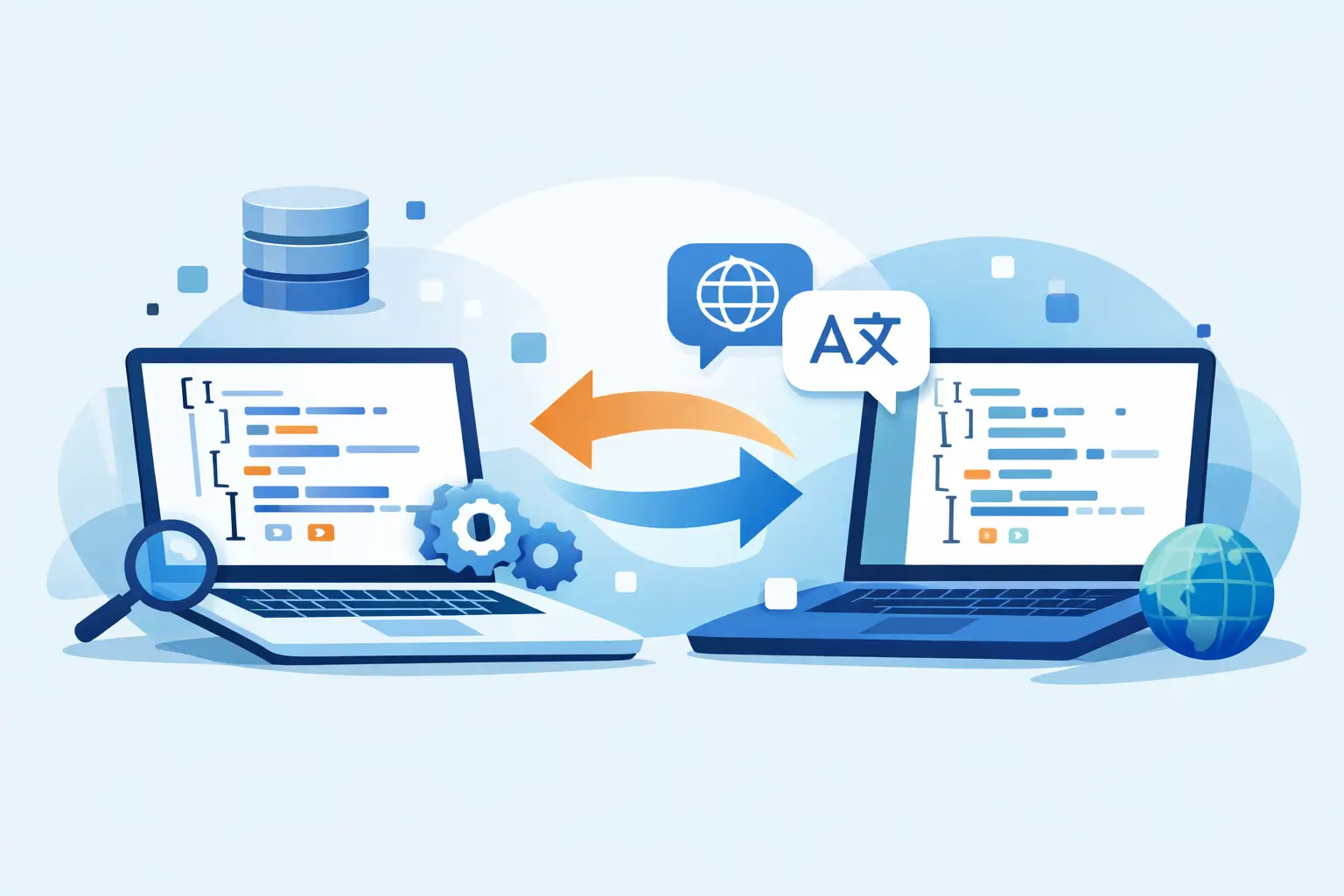
A JSON file with 8,000 keys looks easy to hand off for translation right up until placeholders break, arrays shift, and the returned file no longer validates. That is the real challenge when you translate structured data files: the text is only one part of the job. The structure, syntax, metadata, and deployment pipeline matter just as much.
For software teams, localization managers, and technical content owners, structured data is where simple translation workflows often fail. CSV, XML, JSON, YAML, RESX, XLIFF, PO, Android XML, iOS strings, and many other formats all carry language in a technical container. If that container is damaged, the translation is not usable no matter how good the wording is.
What it means to translate structured data files
Structured data files are not plain documents. They contain translatable values mixed with identifiers, attributes, tags, references, comments, formatting rules, and sometimes executable logic. A translator should see the content that needs translation, but not be forced to guess which parts are code, which parts are keys, and which parts must remain untouched.
That distinction is why structured file localization needs format-aware tooling. In a plain text workflow, every character is exposed equally. In a structured workflow, the system parses the file, extracts the right segments, protects non-translatable elements, and writes back a valid target file. That is the difference between translating text and producing release-ready localized assets.
The exact approach depends on format design. A JSON localization file may store key-value pairs with nested objects. An XML resource file may include attributes and inline tags that must be preserved. A CSV may look simple but still require column-based rules so product IDs, SKUs, or URLs are excluded from translation. The file type determines the parsing logic, and the parsing logic determines whether the translation process is safe.
Why generic translation workflows break on structured formats
The biggest failure point is treating structured content as if it were a Word document. That usually creates three problems.
First, context disappears. Keys like title, name, or open are meaningless without knowing whether they belong to a button, dialog, navigation menu, or API field. Second, syntax gets damaged. A single misplaced quote, escaped character, or tag can break application behavior. Third, quality assurance becomes reactive instead of preventive. Teams only discover issues during build validation or production testing.
This is why copy-paste workflows and generic CAT tools are risky for engineering-led products. They can work for very simple exports, but once files contain nested structures, inline markup, plural rules, variables, or format-specific constraints, you need tooling that understands the file natively.
How to translate structured data files without breaking them
The safest workflow starts before any text is sent for translation. You need extraction rules that identify what is translatable, what must be locked, and what context should travel with each segment. If the source file mixes UI labels, developer comments, IDs, and system values, those elements need to be separated at parse time rather than cleaned up manually later.
Next comes normalization. Teams often have inconsistent key naming, duplicate strings, outdated comments, or embedded HTML mixed into values. If you translate that content as-is, you pay for avoidable repetition and increase the chance of inconsistent output. Cleaning the source structure improves translation memory leverage and reduces downstream QA noise.
Then you need a translation environment that preserves technical constraints. Placeholders such as {0}, %s, or {username} must be protected. Tags should remain in place. Character limits may need to be enforced. If plural forms or locale-specific variants are involved, the editor must support the target framework instead of flattening everything into generic text segments.
After translation, validation cannot be optional. The returned files should be checked for syntax correctness, missing values, duplicate keys, corrupted placeholders, and schema violations. Ideally, that validation runs immediately in the localization tool and again during automated builds. Waiting for QA or end users to find broken resources is expensive.
Finally, deployment matters. The translated output should be generated back into the exact structure required by the consuming application, site, document system, or database import. That sounds obvious, but many teams still translate in one tool and rebuild files manually in another. Every manual handoff introduces risk.
File format support is not a checkbox
When teams evaluate tools to translate structured data files, they often ask whether a platform supports JSON or XML. That is too broad to be useful. Real projects depend on the exact schema and framework variant.
For example, JSON can represent web app resources, configuration-driven content, nested commerce catalogs, or custom application payloads. XML might mean Android resources, .resx-style structures, DITA content, or proprietary application schemas. Two files may share the same extension and still require very different parsing rules, segmentation behavior, and validation logic.
That is why format depth matters more than format count alone. A workable localization platform should understand how to scan files, identify translatable nodes, preserve protected content, and generate target files that remain valid for the specific platform. Broad support is useful, but precise support is what prevents rework.
Context, QA, and automation are where teams gain speed
Translation quality for structured data is rarely limited by language skill alone. It is usually limited by missing context and weak process controls. A string such as Save may be a verb, a noun, or a label inherited from an old UI. Without screenshots, developer notes, key paths, or neighboring strings, translators make avoidable guesses.
The same applies to QA. If placeholders, tags, spacing rules, or length restrictions are only checked after import, problems pile up. Real productivity comes from catching issues at the segment level while the translator is working, then validating the complete file again before build output.
Automation ties those gains together. If your localization process still depends on ad hoc exports and emails, structured data becomes a bottleneck as soon as release frequency increases. Scanning local files, detecting changes, reusing translation memory, pretranslating with terminology-aware machine translation where appropriate, and producing deployable outputs on a build server are practical advantages. They shorten cycle time without giving up control of source repositories.
For many enterprise teams, that control is not negotiable. They cannot push proprietary resource files into external SaaS systems just to get translation done. A local-first or build-server-capable workflow solves a real operational and security requirement, not just a preference.
Choosing the right workflow for your team
There is no single best model for every organization. A small product team shipping one web app may be fine with a lightweight continuous localization process tied directly to version control. A larger enterprise may need approval stages, terminology review, vendor handoff, and release-branch management across dozens of file types.
What matters is that the workflow matches the technical reality of the content. If your product uses multiple frameworks, embedded metadata, and deployment-specific output formats, a generic translation stack will create hidden labor. You may save money at the tool selection stage and lose it later in engineering cleanup, QA cycles, and delayed releases.
A better approach is to look for one environment that handles scanning, translation memory, terminology, machine translation, validation, visual review, and output generation across the formats you actually ship. That reduces fragmentation and gives both developers and localization teams a shared process. Soluling is built around that model, with support for a wide range of structured formats and workflows that fit both continuous and traditional release cycles.
The practical standard for structured file localization
If you regularly translate structured data files, the goal should not be just getting translated text back. The goal is getting validated, deployment-ready files back with as little manual intervention as possible.
That requires format-aware parsing, protected syntax, contextual translation, automated QA, and output generation that matches the target system exactly. Skip any one of those, and the cost shows up somewhere else - usually in build failures, inconsistent UI, or last-minute engineering fixes.
The teams that handle this well do not treat localization as a document task. They treat it as part of the software delivery pipeline. Once you make that shift, structured data stops being fragile translation work and becomes a controlled, repeatable production process.
The best next step is simple: inspect one of your current resource formats and ask whether your translation workflow truly understands it, or just passes text through and hopes the file survives.