Translation Workflow Automation Guide for Teams
July 18, 2026
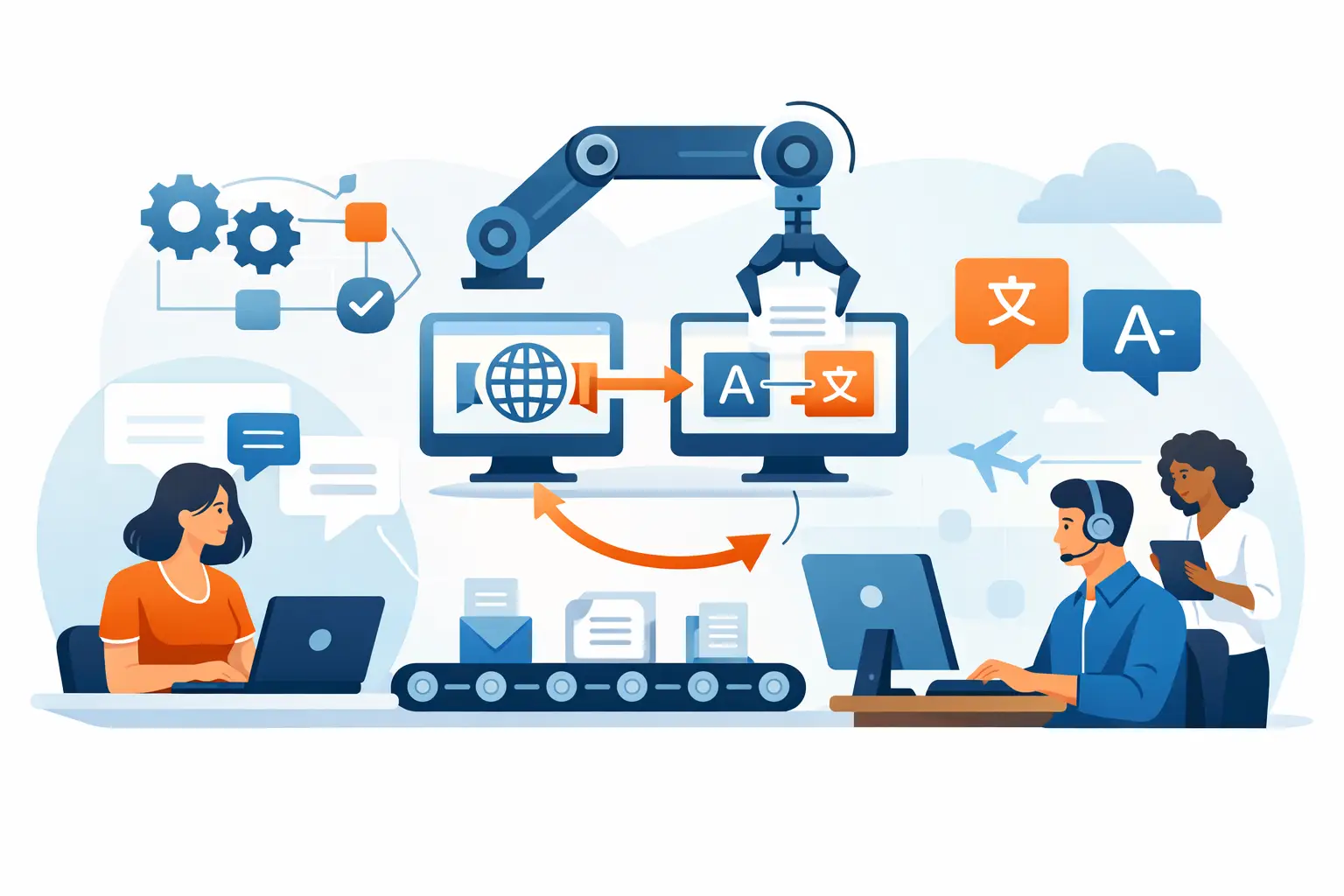
A release can be technically complete and still fail its launch window because 280 changed strings are sitting in a spreadsheet, waiting for someone to identify the right translator and reconstruct file context. That is the problem a translation workflow automation guide should solve: not merely moving words faster, but making localized output a predictable part of software delivery.
For engineering-led teams, translation automation is most valuable when it starts with the source artifacts and ends with validated, deployable files. A workflow that stops at machine translation or a handoff portal still leaves developers to merge resources, resolve broken placeholders, find untranslated strings, and determine whether the delivered files can ship.
What translation workflow automation should automate
Translation workflow automation connects the repeated steps between a source change and a production-ready localized artifact. The exact workflow differs for a mobile application, a documentation portal, and an enterprise desktop product, but the automation boundary is similar: detect change, prepare content, route work, apply translations, validate output, and publish the resulting files.
The objective is not to remove people from every decision. Translators still need context for user-facing copy. Localization managers still need to control terminology, quality thresholds, and language coverage. Developers still need confidence that a generated resource compiles and behaves correctly. Automation removes the manual transfers and routine checks that make those decisions slow and error-prone.
A production workflow should account for more than text. Software resources contain keys, comments, plural rules, accelerator characters, markup, variables, placeholders, and format-specific constraints. A process that treats every file as generic bilingual text can create output that reads correctly but fails at runtime.
Start with source scanning, not exported spreadsheets
The most reliable trigger is a scan of source-controlled files or a build workspace. When a developer changes a .resx, JSON, XLIFF, Android XML, iOS strings catalog, Markdown document, database export, or another supported resource, the localization system should identify what is new, changed, or removed.
This approach has two advantages. First, it preserves the original file structure and metadata. Second, it creates a clear delta. Translators receive only content that requires action, rather than repeatedly reviewing a full project because a single dialog label changed.
Extraction must be format-aware. The system should distinguish translatable values from identifiers, recognize embedded placeholders such as `{0}`, `%s`, or ICU message syntax, preserve HTML or XML markup, and retain comments that explain where text appears. For visual interfaces, screenshots or visual editors provide context that a raw string table cannot.
Local scanning also matters for teams that cannot upload repositories or pre-release product content to external services. A workflow that runs on a developer workstation, dedicated localization machine, or build server can keep source code and resource files within the organization’s controlled environment.
Define the translation unit carefully
Automation quality depends on what the system considers a reusable translation unit. In many applications, a source string plus its context, resource key, and developer comment is a better unit than the text alone. The word “Open” may translate differently as a button, a menu command, a file state, or an adjective.
Translation memory should reuse approved matches automatically when the context is reliable. For fuzzy matches, the workflow should present the prior translation as a suggestion and route it for review. Blindly applying approximate matches saves minutes at the cost of UI defects that can take days to find after release.
Build the workflow around controlled decisions
A useful automated workflow has clear states rather than a chain of informal messages. After scanning identifies changed content, new strings can be pretranslated from translation memory, approved terminology, and configured machine translation. The remaining work is assigned by target language, product area, sensitivity, or vendor.
Machine translation is appropriate for some content, but its role should be explicit. It can accelerate repetitive UI text, draft technical documentation, or provide a baseline for languages with limited translation memory. It is less suitable as final output for legal text, safety-critical instructions, brand language, or strings with ambiguous product context. Teams should be able to set different review rules for each content class.
Termbases provide another control point. If a product uses “workspace,” “tenant,” or “deployment” in a defined way, that terminology must reach both human translators and AI-assisted translation. The workflow should flag forbidden terms and terminology deviations before the files return to engineering.
Approval states need to be meaningful. For example, a string can be translated, reviewed, approved for release, or blocked by a validation error. Treating every non-empty target field as complete produces misleading progress reports and makes it difficult to decide whether a language is ready to ship.
Make localization QA a build-time gate
Translation quality assurance should run automatically after translation import and again during the build or release pipeline. Early validation lets translators correct issues while source context is still available. Build-time validation prevents a bad resource from becoming a release artifact.
Checks should be tailored to the file format and application type. Common rules include missing translations, placeholder mismatches, invalid markup, duplicated access keys, overlength text, unsupported characters, malformed plural forms, inconsistent line breaks, and untranslated source fragments. For structured formats, validation should also confirm that syntax and encoding remain valid.
Visual validation is equally valuable for software UI. A translation can pass every textual rule yet be clipped in a dialog, overlap an icon, or break a responsive layout. Where possible, connect translated resources to visual editors, pseudo-localization, screenshot review, or automated UI tests. Pseudo-localization is especially effective early in development because it exposes hard-coded strings, fixed-width controls, and layout assumptions before translators become involved.
Do not make every QA rule blocking. A missing required placeholder should fail a build. A potential length issue may be a warning if the interface has flexible layout. The correct policy depends on the product, language, and release risk. The key is to make those policies repeatable instead of relying on an individual reviewer to remember them.
Generate deployment-ready output automatically
A translation workflow is incomplete until it produces the exact files expected by the application, document pipeline, or content repository. That may mean localized .resx files for .NET, resource bundles for Java, language folders for web applications, translated database records, localized PDFs, or platform-specific mobile resources.
Generated output should preserve naming conventions, directory structures, encodings, and locale identifiers used by the build. It should be written to a known location so the CI pipeline can compile, package, test, and publish it without manual copying. If the workflow requires developers to download a ZIP file and merge it by hand, it has simply moved the bottleneck to the end.
Teams using Git-based workflows should decide whether generated translations are committed to the repository or produced during a build. Committing files provides a visible history and enables normal code review. Generating them in CI reduces repository churn and can better protect translation data. Neither model is universally right; choose based on audit requirements, branching practices, and how releases are assembled.
Soluling supports this model by scanning local files, managing translations across technical formats, validating results, and generating localized outputs that can be used in automated builds.
Design for branches, releases, and exceptions
The difficult part of automation is rarely the happy path. It is deciding what happens when a release branch needs a hotfix while the main branch has hundreds of unreleased changes. A mature workflow tracks content by project version or branch and prevents translations from one release line from overwriting another.
Set rules for late changes. A minor correction might enter an existing localization batch automatically. A structural resource change, a new feature area, or a string with product terminology may require a new review assignment. This avoids both extremes: delaying every small fix or silently inserting risky changes into a release candidate.
Exceptions should be visible, not handled in private messages. If a language is incomplete, a validation rule is waived, or a vendor delivery is late, record that status in the workflow. Release managers need a factual view of language readiness, including what is missing and whether the missing content is customer-facing.
Measure flow, not only translation volume
Word counts and cost per word are useful, but they do not tell you whether localization is slowing delivery. Track the time from source change to approved output, the percentage of strings reused from translation memory, validation failures by category, and the number of manual file interventions per release.
Those measures reveal where automation needs work. Low reuse may indicate unstable source strings or missing context. Frequent placeholder failures may point to an extraction configuration problem. Long approval times may be a staffing issue rather than a tooling issue. The goal is a workflow that makes the cause of delay visible.
Start with one product, one build path, and a small set of high-value validation rules. Once source scanning, translation reuse, QA, and output generation work reliably, extend the model to additional formats and teams. The best automated localization workflow is not the one with the most integrations. It is the one your release process can trust without asking who last touched the translation files.