Developer Localization Integration Guide
September 22, 2026
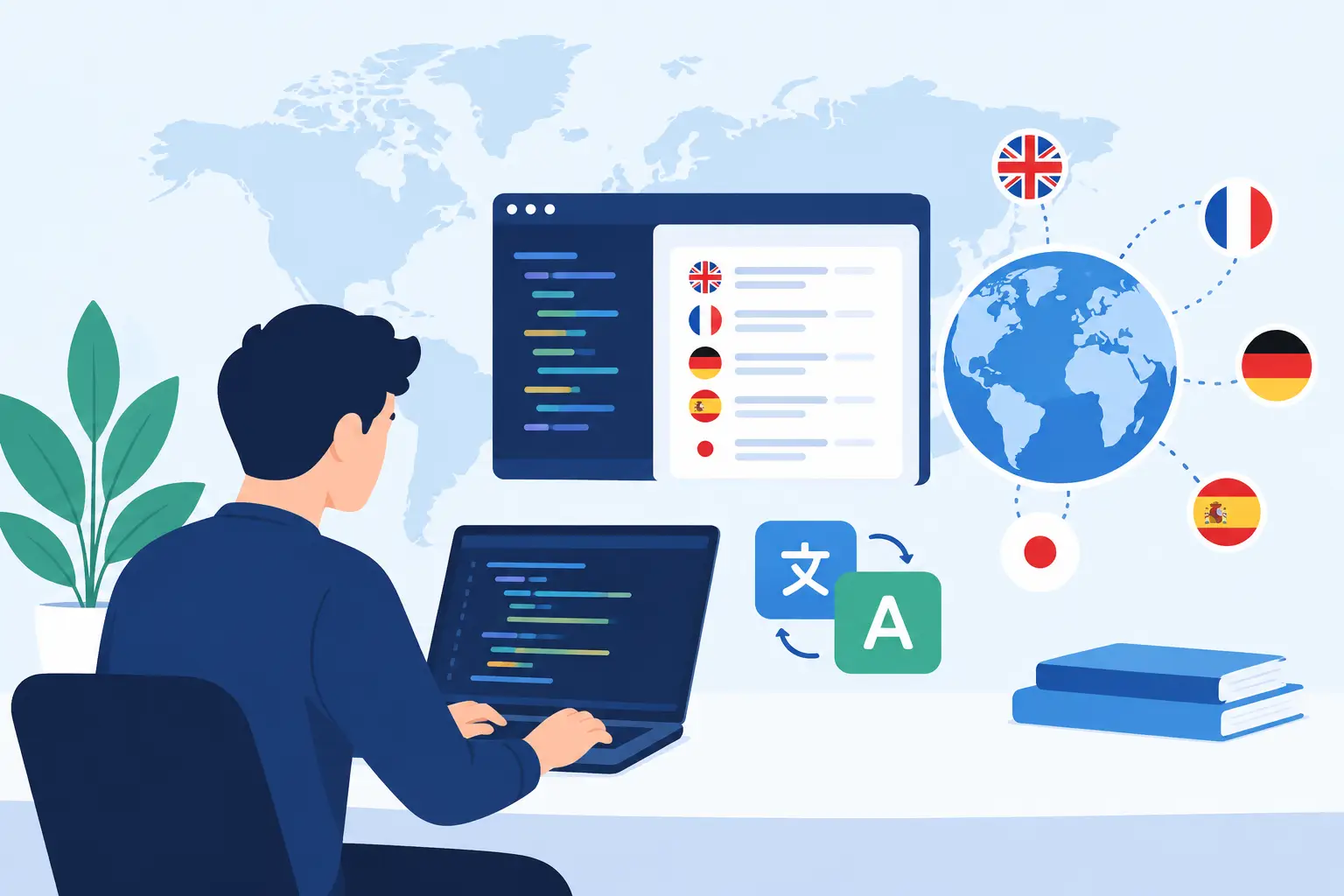
Localization failures rarely begin with a bad translation. They begin when translatable content is embedded in code, resource files arrive late, translators lack context, or a release pipeline cannot tell whether a localized build is complete. This developer localization integration guide explains how to make localization a controlled engineering process rather than a separate handoff that delays releases.
The goal is not merely to produce translated strings. A workable integration must create deployable language-specific artifacts, preserve source-code control, validate technical constraints, and give localization teams enough context to make correct decisions. The design will vary by application architecture, but the underlying workflow is consistent.
What a developer localization integration must handle
A localization integration connects four systems of record: the source content maintained by developers and writers, the translation workspace used by language teams, the quality rules that protect the application, and the build process that produces release artifacts. Treating any one of these as an afterthought creates manual work elsewhere.
For a .NET desktop application, that may mean scanning RESX resources and generating satellite assemblies. For web applications, it may mean extracting JSON, JavaScript, TypeScript, or ICU message files and compiling locale bundles during a CI build. Mobile projects may require Android XML, iOS strings and stringsdict files, or framework-specific resources for Flutter, React Native, or MAUI. Documentation, databases, configuration files, and structured content can belong to the same release process as well.
The critical requirement is format awareness. Generic text exchange formats can be useful for translation interchange, but they do not understand resource identifiers, placeholder syntax, plural rules, file encodings, or framework-specific output requirements. A localization tool should read the native formats used by the product, preserve nontranslatable structure, and generate files that the application can consume without manual repair.
Start with source content that can be localized safely
Integration begins before automation. First, identify every source that reaches the user: interface strings, validation messages, email templates, generated reports, help content, database values, and content embedded in markup. Teams often discover strings in error paths, administrative screens, and installer projects only after a market-specific defect appears.
Externalize user-facing text from application logic. Use stable resource keys rather than source-language sentences as identifiers, particularly when strings will evolve over time. Keep formatting tokens explicit and consistent. If a message accepts a user name, count, date, or currency value, translators need to see the placeholder and the code must validate that it remains intact.
Context is equally important. The word "Open" can describe a button, a status, or an action on a file. A resource key such as `FileMenu_Open` provides more guidance than `open_1`; a comment stating "Menu command. Opens an existing project" is better still. Screenshots, visual editors, and references to the calling screen reduce translation ambiguity without requiring translators to inspect source code.
Do not assume all content should be translated. Product names, API names, legal text, regular expressions, and machine-readable values may need protection. Establish rules for locked segments, terminology, and localization scope before the first automated scan. Those rules prevent translators from changing values that will break runtime behavior.
Build the developer localization integration pipeline
A reliable pipeline has a source-to-output path that can run locally and on a build server. Developers should be able to scan changed resources before committing, while CI should provide the authoritative check for every release candidate.
Scan and extract without moving source code
The scan step identifies localizable entries in the files already controlled by the repository. It should detect new, changed, and removed strings while retaining stable identifiers and source references. Local scanning matters for teams with regulated codebases, private repositories, or policies that prohibit sending source files to external services.
At this stage, configure include and exclude rules carefully. Scan application resources and approved documentation sources, but exclude generated folders, package caches, binaries, and test fixtures unless they are genuinely shipped. Duplicate extraction from generated output creates unnecessary translation cost and confusing translation memory matches.
A tool such as Soluling can scan native project files locally and maintain the localization project alongside the product. This supports both continuous localization, where new content moves through the workflow frequently, and waterfall projects that prepare translation packages at defined milestones.
Prepare translation work with reusable language assets
After extraction, apply translation memory and terminology before requesting new translation. Exact matches reduce repeated work, while terminology enforces approved names for product features, commands, and domain-specific concepts. Machine translation can accelerate first-pass coverage, but it should be governed by language, content type, confidentiality requirements, and review expectations.
Not every string deserves the same workflow. High-visibility interface content, legal notices, and regulated material may require human translation and review. Low-risk internal content may use machine translation with automated checks. The useful question is not whether machine translation is allowed, but where it improves throughput without lowering the release standard.
Package translators need more than text. Include comments, resource keys, maximum length where relevant, screenshots, and the target locale. If the tool supports visual localization, reviewers can assess text in dialogs, menus, and forms rather than guessing from disconnected rows in a spreadsheet.
Generate target files in the build process
Once translations are approved, generate locale-specific output in the format expected by each target platform. The generated files should be treated as build inputs or controlled outputs, depending on the repository policy. What matters is repeatability: the same source content and translation state must produce the same localized artifact.
Build automation should use a configuration stored with the project. Avoid workflows where one workstation holds the only knowledge of which files to scan, which languages to generate, or where output belongs. A build agent needs the same rules available to developers, and it needs clear failure conditions when required translations or validations are incomplete.
For continuous integration, a practical sequence is: restore dependencies, build the source project, scan localizable content, update language data, validate translations, generate localized resources, build each language target, and publish artifacts. The exact order can differ for frameworks that compile resources earlier, but localization should be an explicit build stage rather than an untracked post-build task.
Validate before localized defects reach users
Translation approval alone does not prove that an application will work in another language. Validation must cover both language quality and software behavior.
Technical validation should check placeholder consistency, markup validity, accelerator keys, duplicate identifiers, missing translations, invalid encodings, and locale-specific resource rules. It should flag strings that exceed configured length limits and identify translated values that were accidentally left equal to the source when that is not permitted. For structured formats, it should verify that generated output remains syntactically valid.
Visual validation addresses a different class of defects: truncated controls, overlapping labels, right-to-left layout problems, clipped dialogs, and text that loses its intended relationship to a control. Automated rules can catch some of these issues, but screenshots and localized test runs remain necessary for complex interfaces.
Use pseudo-localization early in development. A pseudo-locale expands text, changes character patterns, and exposes hard-coded strings without requiring a finished translation. It is one of the fastest ways to identify layout assumptions and content that escaped extraction. Run it before translators receive large batches, not after multiple locales have already been produced.
Decide what belongs in version control
There is no universal answer for translation files. Some teams commit all localized resources so every release can be rebuilt from a tagged repository state. Others store translations in a controlled localization project and generate language outputs during CI. Both models can work if the source-to-release chain is auditable.
Committing files improves visibility in pull requests and preserves historical changes next to code. It can also create noisy diffs, merge conflicts, and repository growth when many languages are updated at once. Generating outputs reduces source-tree clutter but requires durable backup, versioning, and access controls for the translation data. Choose based on release governance, team structure, and the formats involved.
Regardless of the model, do not let translators edit generated binaries or temporary build folders. Keep a defined authoring location and a defined generated-output location. That separation makes it easier to diagnose whether a defect originated in source extraction, translation, generation, or packaging.
Measure integration health, not just word volume
Word counts and translation cost are useful, but they do not reveal whether localization is release-ready. Track the age of untranslated strings, validation failures by category, time from source change to available target file, and the number of defects found after build generation. A growing backlog of unscanned strings is a workflow warning, even if translation throughput looks strong.
Also review exceptions. If developers regularly bypass resource extraction to meet deadlines, the integration is too slow or too difficult. If translators repeatedly ask for screenshots or placeholder explanations, the source metadata is insufficient. Those patterns identify process changes that reduce recurring work more effectively than adding another review cycle.
A good localization integration becomes unremarkable in the best sense: developers add a resource, automation detects it, translators receive meaningful context, validations enforce the rules, and the build produces a release-ready locale. Design for that predictable path, then make exceptions visible enough that they can be fixed before they become production defects.