8 Multilingual User Experience Mistakes to Avoid
October 2, 2026
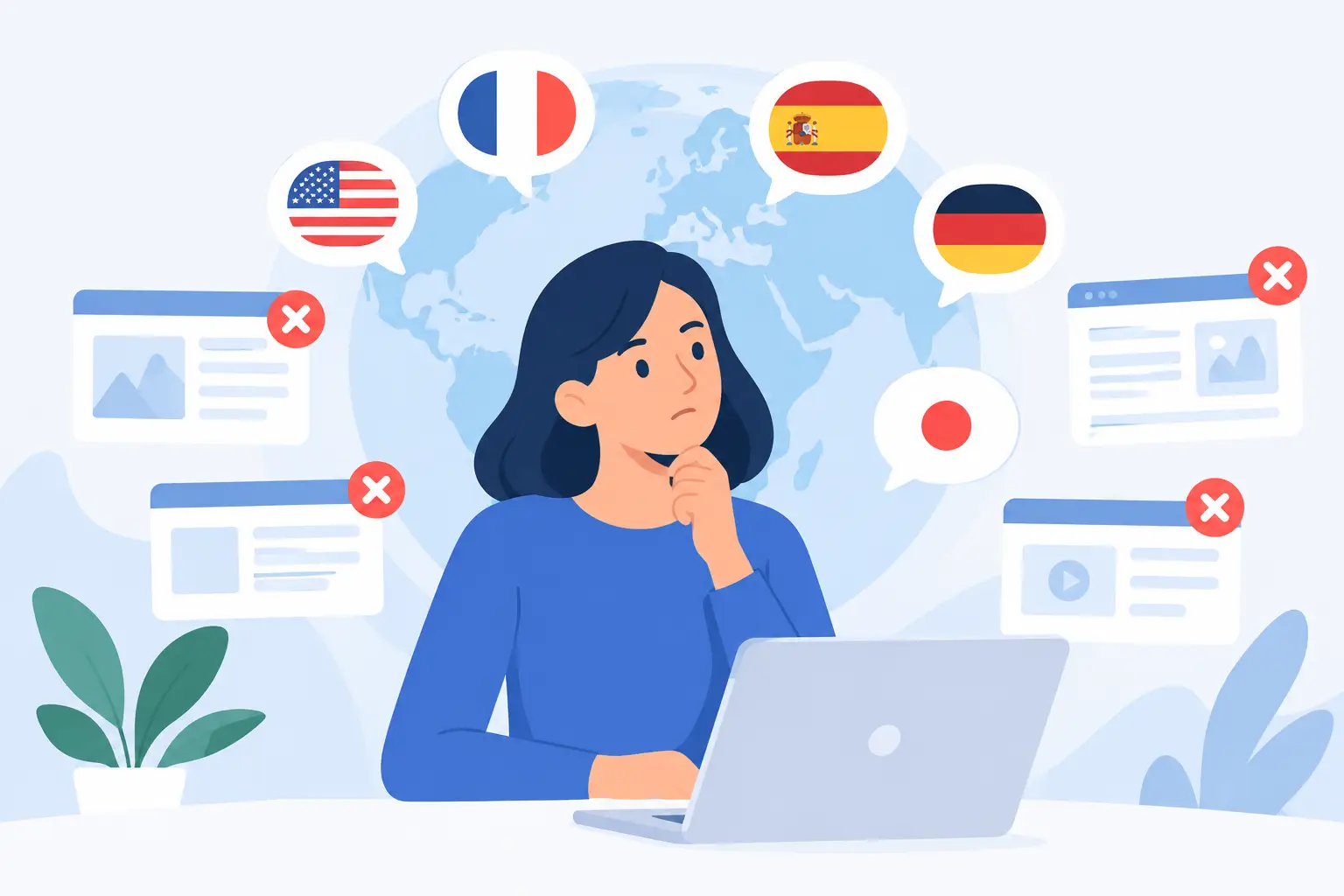
A release can contain technically correct translations and still fail users in another market. A button may be translated but clipped, a price may look familiar but represent the wrong currency, or an error message may omit the variable that explains what failed. These multilingual user experience mistakes are not linguistic edge cases. They are product defects created when localization is treated as a final text replacement step rather than an engineering and quality process.
For development teams, the practical question is not whether to localize. It is whether the localized application remains usable, understandable, and deployable across every supported locale. That requires attention to resource design, layout behavior, locale-aware data handling, translation context, and validation in the build pipeline.
1. Treating translated strings as isolated text
A translator rarely has enough information in a raw key-value file to make every correct choice. Consider a source string such as "Open," "Save," or "Current." Is it a button label, a menu command, a status value, or a heading? Does "Open" mean open a document or indicate an item is already open? The correct translation can change with the control, audience, and grammatical role.
String concatenation makes the problem worse. Code such as `"Deleted " + count + " files"` assumes another language can use the same word order, plural behavior, and spacing. Many cannot. A localized message should use a complete, parameterized pattern with a defined plural rule, not fragments assembled at runtime.
Build context into the resource workflow
Resource identifiers should be stable and meaningful, but identifiers alone are not sufficient context. Provide developer comments, screenshots, UI locations, character limits, and placeholder definitions where the resource format supports them. A visual editor is especially useful for controls whose available space, neighboring labels, or selected state affect the translation.
For repeated source text with different meanings, use separate resource entries. Reusing one key for "Close" as a dialog command and "Close" as an adjective may reduce the word count in a source file, but it creates avoidable ambiguity in every target language.
2. Assuming English UI geometry will survive translation
English is compact in some common software labels. German, Finnish, French, and many other languages often require more horizontal space. A fixed-width button that looks balanced in English can truncate a critical command after translation. A mobile form designed around short field labels can become difficult to scan when labels wrap unpredictably.
The usual response is to shrink the translated font. That may solve an overflow warning while creating a readability and accessibility problem. The better solution depends on the interface: allow controls to grow, use responsive layout containers, move secondary labels below the primary value, or redesign the interaction so the wording is not carrying unnecessary UI weight.
Text expansion is not the only layout concern. Right-to-left languages require more than right-aligned strings. Icons, navigation order, progress direction, chevrons, table columns, padding, and keyboard behavior may need mirroring. Some symbols should not be mirrored because they represent a physical or established technical convention. This is a case where automated mirroring needs visual review, not blind application.
Test the rendered product, not just the resource file
Pseudo-localization is useful early in development because it expands strings and marks untranslated content before real translations are available. It can reveal hard-coded text, clipping, and controls that are unable to resize. It cannot confirm that a real target-language sentence is appropriate in its screen context.
Visual localization QA should therefore include representative screens, high-density dialogs, narrow viewport states, and critical workflows such as account creation, checkout, reporting, and error recovery. Testing only the home screen provides false confidence.
3. Hard-coding dates, numbers, currencies, and units
Locale-sensitive data is part of the user experience. `03/04/2026` is ambiguous without a locale. A decimal comma can turn a displayed amount from one thousand point five to one point five, depending on the market. Currency symbols alone are also insufficient when several currencies use the same symbol.
Formatting must use the active locale and an explicit business rule. For example, an invoice may need the customer billing locale, while an audit log may require an unambiguous ISO-style timestamp. A scheduling system must distinguish between a user’s display time zone, the event time zone, and the server time zone. These are separate decisions, not formatting options to apply at the last moment.
Do not translate machine-readable values simply because they appear in a user-facing export. Product codes, API names, legal entity names, and controlled technical terms may need to remain unchanged. Conversely, units may need conversion or dual display. Whether to convert miles to kilometers is a product and domain decision, particularly in engineering, medical, and financial software.
4. Localizing only the visible interface
Users encounter language beyond buttons and dialogs. Setup programs, email templates, downloadable documents, help content, generated reports, database-driven messages, notification payloads, and validation errors all shape the product experience. A localized web interface that sends an English password-reset email is not fully localized.
This failure often occurs because content is distributed across incompatible formats and repositories. Development teams extract application resources, while documentation teams maintain separate document files, and operational messages live in a database or configuration system. Manual handoffs make it easy for one content source to miss a release.
A complete inventory should identify every localizable asset, its owner, source format, target formats, and release dependency. File scanning and structured extraction are valuable here because they expose embedded and hard-coded content that is not visible in a spreadsheet-based translation process. The objective is not to force all content into one authoring system. It is to make every localizable asset visible to the same controlled localization workflow.
5. Sending strings without protecting placeholders and markup
Placeholders, tags, accelerator markers, escape sequences, and format tokens are functional content. If a translation changes `{0}`, removes `%s`, breaks a markup tag, or duplicates an access key, the result may be a runtime exception, malformed output, or an inaccessible interface.
The correct approach is to define placeholder rules at extraction time and validate them automatically before translated files enter a build. Checks should compare source and target placeholders, markup structure, invalid characters, duplicate access keys where relevant, resource completeness, and prohibited untranslated text. For structured formats, validation should also confirm that the output remains syntactically valid.
Human review still matters. An automated check can confirm that a placeholder exists, but it cannot determine whether it appears in a natural location or whether the sentence makes sense when the value is a long customer name. Use both machine validation and linguistic review because they detect different failure classes.
6. Ignoring terminology and product language
A product can be grammatically translated and still feel inconsistent. One screen may call a capability a "workspace," another a "project area," and a third use a literal translation that no customer would recognize. In enterprise software, inconsistent terminology slows adoption, complicates support, and can create risk in regulated or technical domains.
A termbase should define approved translations, forbidden variants, product names, abbreviations, and terms that must remain in English. Translation memory then preserves approved phrasing across releases. Neither should be treated as a static archive. Product terminology changes when features evolve, teams rename concepts, or customers establish preferred vocabulary in a market.
Machine translation can accelerate first-pass output, especially for repetitive operational text, but it should work within terminology controls and review policies. The acceptable level of review depends on content type. A low-risk internal notification is different from safety guidance, contractual text, or an irreversible payment action.
7. Testing too late in the release cycle
Localization defects become expensive when translations arrive after UI freeze and just before deployment. At that point, fixing a clipped control can require a design change, code change, retranslation, retest, and a new build across multiple locales. Teams then face an unhealthy choice: delay the release or ship a known defect.
Continuous localization reduces that pressure by extracting changed resources early, routing only new or modified content for translation, and generating target resources as part of the delivery workflow. It does not require abandoning a scheduled waterfall release model. The key is that localization status and validation results are visible before release candidates are locked.
Build-server execution is particularly useful for organizations that must keep source code and repositories under internal control. The localization system can scan files, apply translations, validate outputs, and generate deployment-ready resources within the organization’s own build environment. Soluling supports this type of local, automated workflow across software resources, documents, databases, and structured data formats.
8. Measuring completion instead of usability
A dashboard showing 100% translated strings can be misleading. It does not show whether users can complete tasks, whether a payment amount is correctly formatted, whether screen-reader labels are understandable, or whether a translated PDF still has broken tables.
Define quality gates around product behavior. For each supported locale, track untranslated and invalid resources, visual defects, terminology violations, critical-flow test results, and post-release support signals. Prioritize markets and workflows by business impact rather than attempting identical depth everywhere. A product with two strategic locales may justify comprehensive visual regression coverage, while lower-volume locales may begin with targeted functional and linguistic sampling.
The goal is not a perfect score in a translation report. It is a release in which a user can understand the product, act confidently, and receive correct results in their language and locale. Build that expectation into resource design and release engineering early, and localization becomes a predictable part of delivery rather than a late-stage source of risk.